How Much Does Ecommerce Automation Cost?
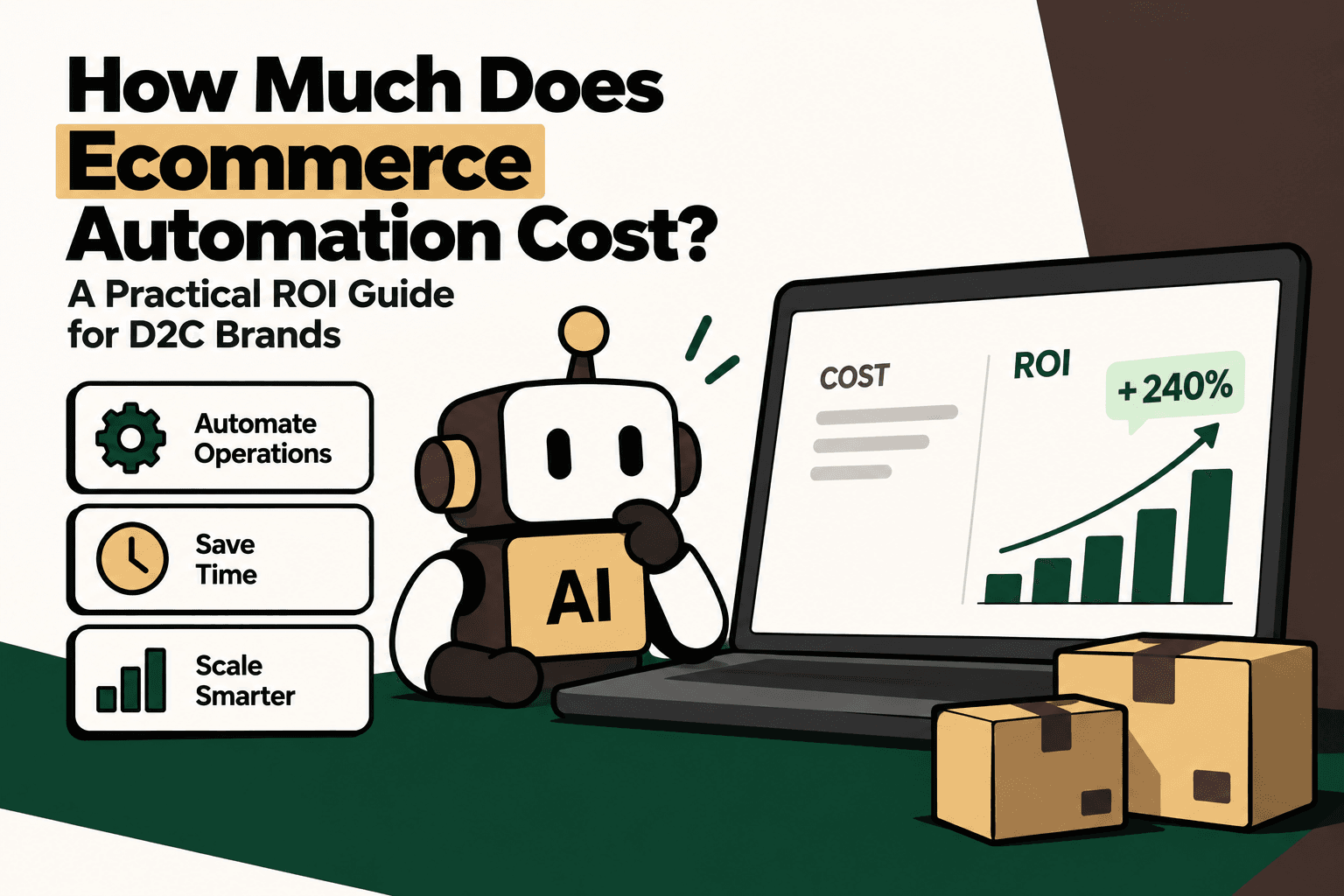
Ecommerce automation can cost anywhere from a few thousand dollars for a focused workflow to $100,000 or more for complex, AI-powered commerce infrastructure. The range is wide because ecommerce automation is not one product. It can mean a single Shopify workflow, an order-routing system, customer-support automation, or a connected operating layer spanning Shopify, ERP, WMS, marketplaces, logistics, finance, analytics, and AI.
For a D2C brand, the more useful question is not simply, “How much does ecommerce automation cost?” It is:
How much operational cost, capacity loss, error cost, and missed revenue can the automation remove, and how quickly does the investment pay back?
That distinction matters. A $5,000 automation that barely changes the operation can be more expensive than a $30,000 project that removes a large recurring bottleneck. Conversely, a technically impressive automation can still be a poor investment if the underlying process has low volume, low error cost, or little business impact.
This guide explains how to build an ecommerce automation budget, what drives implementation cost, how to calculate ROI, when SaaS is better than custom development, and which workflows D2C brands should automate first.
Quick Answer: What Does Ecommerce Automation Usually Cost?
As a planning framework, ecommerce automation can be grouped into five broad investment levels:
| Automation level | Typical scope | Indicative planning range |
|---|---|---|
| Basic automation | Shopify workflows, notifications, simple task automation | $1,000–$5,000 |
| Workflow automation | Order routing, inventory synchronization, fulfillment workflows | $5,000–$15,000 |
| AI customer support | Order tracking, FAQs, returns, support automation and escalations | $5,000–$25,000+ |
| Multi-system automation | Shopify, ERP, WMS, logistics, support and connected workflows | $15,000–$50,000+ |
| Advanced commerce infrastructure | AI agents, integrations, orchestration, analytics and custom automation | $30,000–$100,000+ |
These are planning ranges, not fixed market prices or vendor quotations. Actual implementation cost depends on the number of systems involved, API availability, data quality, workflow complexity, customization, AI requirements, security requirements, testing, and ongoing maintenance.
A brand running a relatively simple Shopify operation may only need a few targeted workflows. A high-volume D2C business operating multiple warehouses, marketplaces, ERP systems, 3PLs and customer-service channels has a much larger integration surface.
Why Ecommerce Automation Costs Vary So Much
The biggest mistake when budgeting for ecommerce automation is treating the project as a single software purchase.
The technology is only one part of the cost. The real project often involves understanding the existing operation, connecting systems, translating business rules into workflows, handling exceptions, testing data, training users, monitoring the automation and maintaining integrations.
1. Number of systems
A workflow that touches one platform is fundamentally different from one that coordinates six or seven systems.
A simple example might be:
Shopify → customer notification
A more complex workflow could look like:
Shopify → integration layer → ERP → WMS → 3PL → shipping provider → customer support → analytics
Each additional system introduces integration work, authentication, data mapping, failure scenarios, monitoring requirements and maintenance.
2. Number of workflows
Automating one process is not the same as automating an entire operation.
Consider a D2C brand that wants to automate order operations. The project may eventually include order validation, payment checks, inventory allocation, warehouse routing, fulfillment updates, shipping notifications, cancellations, returns, refunds, exception handling and reporting.
The number of workflows therefore has a direct effect on scope.
3. Data complexity
Automation depends on reliable data.
If product IDs, customer records, inventory quantities, order statuses or warehouse codes differ between systems, the automation needs additional transformation and validation logic.
This is one reason two brands with similar order volumes can receive very different automation estimates.
4. Custom business rules
A basic workflow might say:
If inventory is below a threshold, create an alert.
A more complex operation might need to consider sales velocity, warehouse location, committed inventory, supplier lead time, safety stock and channel priorities.
Business-specific rules increase implementation effort because they have to be defined, tested and maintained.
5. AI requirements
AI adds another layer when the workflow needs to interpret language, classify requests, summarize information, recommend an action or interact with customers.
For example, a deterministic workflow can route a return request based on order age and product category. An AI layer can interpret what the customer is asking, retrieve the relevant order context and guide the conversation, while deterministic rules still control eligibility and permissions.
This distinction is important because AI should not replace every rule-based component of an ecommerce workflow.
Where the Ecommerce Automation Budget Actually Goes
A practical budget should separate the different cost components instead of treating “automation” as one line item.
Integration development
This covers connecting systems such as:
- Shopify or another ecommerce platform
- ERP
- Order management systems
- Warehouse management systems
- CRM and helpdesk platforms
- Payment systems
- Shipping aggregators and carriers
- 3PL platforms
- Marketplaces
- Returns management systems
- Analytics and reporting systems
The cost increases as the integration surface becomes broader.
Workflow design
Before automation can be implemented, someone needs to define what should happen when an order is created, payment fails, stock is unavailable, a shipment is delayed, a customer requests a return, or an exception reaches the operations team.
Good automation is therefore partly a process-design project.
AI and automation software
Depending on the architecture, the technology budget may include workflow platforms, customer-support software, AI agent usage, messaging infrastructure, analytics tools, databases, monitoring services and other SaaS subscriptions.
Some AI products charge based on conversations or resolutions rather than employee seats. That changes the economics because technology spend can increase with usage. A business should therefore model expected volume instead of looking only at the monthly subscription.
Testing and deployment
Testing is particularly important when automation can modify orders, inventory, refunds or customer records.
A workflow that only sends an internal notification has a limited failure cost. A workflow that cancels an order or issues a refund has a much higher one.
Maintenance
Automation is not “build once and forget forever.” APIs change. Business rules change. New warehouses are added. Product catalogs change. Shipping partners change. Returns policies change.
A realistic automation budget should therefore include ongoing monitoring, troubleshooting and maintenance.
SaaS vs Custom Automation vs Hybrid
Most D2C brands eventually face a choice between buying software, building custom workflows, or combining the two.
| Approach | Best fit | Main trade-off |
|---|---|---|
| SaaS automation | Standard workflows with limited customization | Lower initial cost but recurring fees and platform constraints |
| Custom automation | Complex business logic and system-specific workflows | Greater control but higher implementation and maintenance requirements |
| Hybrid | Brands that need SaaS plus tailored integrations | Requires careful architecture and ownership of the integration layer |
When SaaS makes sense
SaaS is attractive when the workflow is common, the required integrations already exist, and the brand does not need unusual business rules.
For example, standard customer-support workflows, basic notifications and straightforward ecommerce automation may not justify custom development.
When custom automation makes sense
Custom development becomes more compelling when the workflow crosses several systems or depends on business logic that generic software cannot model cleanly.
Examples include complex order allocation, multi-warehouse inventory synchronization, marketplace reconciliation, specialized returns logic or operational reporting that combines multiple data sources.
Why hybrid is often practical
A growing D2C brand does not necessarily need to rebuild its entire technology stack.
A practical architecture might use existing SaaS for customer support and ecommerce operations while adding custom integration and orchestration around the highest-value workflows.
Existing SaaS + custom integration + automation + AI where useful
This can reduce unnecessary development while still addressing the operational gaps that generic software does not solve.
How to Calculate Ecommerce Automation ROI
The basic ROI formula is:
Automation ROI = (Annual Benefits − Annual Automation Cost) ÷ Annual Automation Cost × 100
The difficult part is defining “benefits.”
For ecommerce automation, benefits can come from several sources:
- Labor cost reduction
- Capacity released from repetitive work
- Lower error costs
- Reduced support workload
- Fewer manual reconciliations
- Lower operational leakage
- Incremental gross profit
- Faster fulfillment or response times
- Reduced need for additional hiring
Not every benefit should be treated as immediate cash savings.
If automation allows a support team to handle 30% more orders without hiring additional employees, the business has released capacity. That is valuable, but it is different from reducing payroll by 30%.
Labor Savings vs Capacity Released
This distinction is one of the most important parts of an honest automation ROI calculation.
Suppose a D2C brand has 10 operations or support employees, each with a fully loaded cost of $1,000 per month. If automation removes 30% of repetitive workload, the theoretical annual capacity released is:
10 × $1,000 × 12 × 30% = $36,000 per year
That does not automatically mean the company saves $36,000 in cash.
The team may instead use that capacity to process more orders, reduce response times, improve retention, handle more complex cases or avoid future hiring.
For ROI reporting, track both:
- Cash savings: measurable reduction in actual operating expense.
- Capacity released: productive work that can be absorbed without equivalent additional headcount.
This makes the business case more credible.
Include Revenue Impact Without Overclaiming
Automation can affect revenue as well as cost.
Customer-facing automation may improve product discovery, response speed, abandoned-cart recovery, cross-selling, upselling or conversion. Operational automation can also reduce the friction that causes customers to abandon purchases or avoid repeat purchases.
However, revenue impact should be measured rather than assumed.
For example, if a controlled experiment demonstrates an additional $10,000 in monthly gross profit attributable to an automation workflow, that contributes $120,000 in annual incremental gross profit.
The key word is attributable. Do not put projected revenue into an ROI model as though it were guaranteed revenue.
Inventory and Fulfillment Have Their Own ROI
Customer support is an obvious automation opportunity, but inventory and fulfillment can create equally important economics.
Automation can reduce:
- Inventory mismatches
- Overselling
- Stockout-related lost sales
- Manual reconciliation
- Duplicate data entry
- Fulfillment routing errors
- Delayed cancellations
- Manual shipment tracking
- Exception-management workload
Per-order economics can make these improvements easier to evaluate.
For example, if a brand processes 100,000 orders per year and a workflow produces an average $2 improvement in measurable operational cost per order, the annual impact would be:
100,000 × $2 = $200,000
This is an illustrative calculation, not a claim that every automation project will generate $2 per order. The correct value must come from the brand's own baseline data.
Customer Support Automation Can Be Especially Measurable
Customer support is often a strong starting point because the workflow has measurable units: conversations, tickets, resolutions, escalations and handling time.
Common repetitive ecommerce requests include:
- Where is my order?
- When will my order arrive?
- Can I change my delivery address?
- How do I return an item?
- What is my refund status?
- Can I exchange this product?
- Is this product available?
- What is your shipping policy?
When connected to the appropriate ecommerce and operational systems, an AI support workflow can retrieve relevant context, explain policies, guide customers through supported processes and escalate cases that require human judgment.
A simple model is:
Support savings = Automated eligible conversations × Human cost per conversation
Again, the goal is not to assume that every conversation can be automated. The important metric is the percentage of total volume that is both suitable for automation and successfully resolved without unacceptable customer or operational risk.
Worked Example: A D2C Brand With 8,000 Support Conversations Per Month
Consider an illustrative D2C brand with:
- 8,000 support conversations per month
- 30% of conversations suitable for automation
- ₹100 internal cost per human-handled conversation
Potential eligible automated volume:
8,000 × 30% = 2,400 conversations per month
Potential capacity value:
2,400 × ₹100 = ₹2.4 lakh per month
Annualized capacity value:
₹2.4 lakh × 12 = ₹28.8 lakh per year
Now assume the brand spends ₹12 lakh per year on software, integration, maintenance and related automation costs.
Illustrative net benefit:
₹28.8 lakh − ₹12 lakh = ₹16.8 lakh
Illustrative ROI:
₹16.8 lakh ÷ ₹12 lakh × 100 = 140%
This example is intentionally simple. It does not assume additional revenue, retention improvements or fulfillment savings. More importantly, the ₹100 handling cost and 30% automation rate would need to be validated from the brand's own data before being used in an investment decision.
Payback Period Is Often More Useful Than ROI
A high ROI percentage can look impressive while hiding a long recovery period. For operating teams, payback is often easier to understand.
Payback period = Initial investment ÷ Monthly incremental benefit
Suppose implementation costs ₹15 lakh and produces a measurable monthly benefit of ₹2.5 lakh.
₹15 lakh ÷ ₹2.5 lakh = 6 months
The project reaches payback in approximately six months under those assumptions.
This makes the investment easier to compare with other operational initiatives.
What Should a D2C Brand Automate First?
Do not start by asking which AI tool to buy. Start by identifying the workflow where manual effort and business impact overlap.
A useful prioritization model is:
Priority score = volume × frequency × manual effort × error cost × revenue impact ÷ implementation complexity
This is a practical prioritization framework, not an industry-standard formula. Its purpose is to force a broader evaluation than “this task looks repetitive.”
A high-priority workflow usually has significant volume, happens frequently, consumes employee time, has measurable error costs or revenue implications, and can be implemented without excessive complexity.
1. Order tracking
Order-status questions are repetitive and usually have clearly defined data sources.
When shipment information is connected to the support workflow, customers can receive status information without an employee manually searching across systems.
2. Inventory synchronization
Inventory errors can create overselling, stockouts and manual reconciliation.
Automating synchronization between channels and operational systems can reduce repetitive updates and improve data consistency.
3. Returns and exchanges
Returns often follow repeatable rules around order age, product category, condition and eligibility.
The system can automate the standard path while escalating exceptions such as policy disputes, unusual claims or suspected abuse.
4. Customer FAQs
Shipping, payment, product, return and policy questions are strong candidates when the underlying information is reliable and centrally managed.
5. Order modifications
Address changes, cancellations and similar requests can sometimes be automated, but they require stronger controls because the system is changing customer or order data.
6. Fulfillment orchestration
Connecting ecommerce orders with WMS, ERP and logistics systems can remove repetitive data transfer and reduce operational handoffs.
7. Sales automation
Once operational workflows are stable, brands can consider conversational product discovery, recommendations, follow-ups and other revenue-oriented automation.
8. Exception management
AI is particularly useful when it helps classify or summarize exceptions for human teams rather than pretending every exception can be fully automated.
What Should Stay Human?
Automation should not be measured by how much human involvement it eliminates. It should be measured by whether it removes unnecessary manual work while preserving control over high-risk decisions.
Human approval is often appropriate for:
- Fraud investigations
- Unusual refund requests
- High-value compensation decisions
- Policy disputes
- Damaged-product exceptions
- Complex customer complaints
- Ambiguous operational failures
- Actions with significant financial consequences
A strong design separates interpretation from authorization.
AI may understand what the customer wants. A rules engine can determine whether the request is permitted. A human can approve an exception when the case falls outside policy.
A Practical Automation Architecture
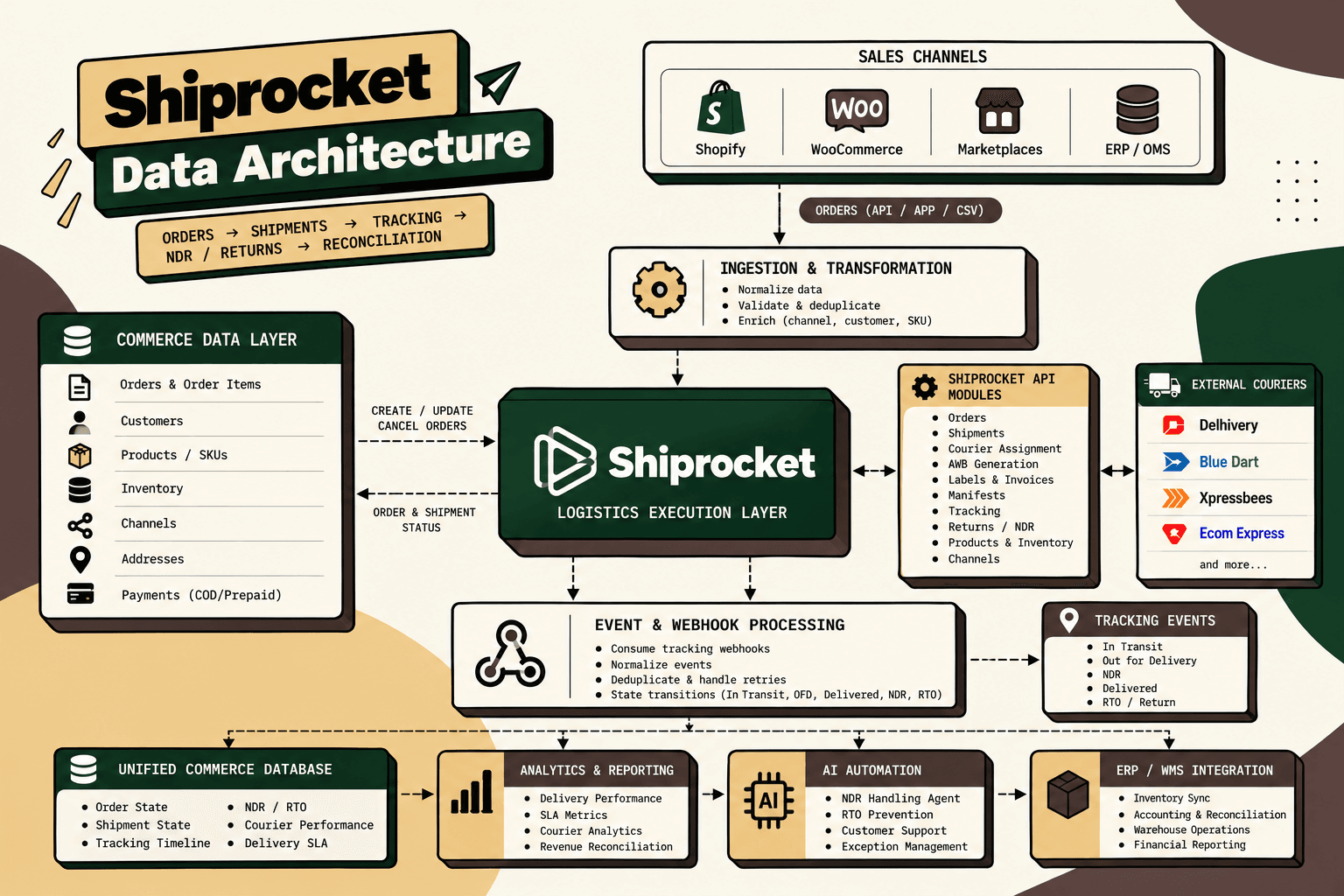
For a growing D2C brand, a scalable architecture often has five logical layers.
- Commerce systems: ecommerce platform, ERP, OMS, WMS, marketplace and logistics data.
- Integration layer: APIs, webhooks, data transformation and synchronization.
- Workflow layer: deterministic rules, triggers, approvals and actions.
- AI layer: intent classification, natural-language interaction, summarization, recommendations and exception analysis where appropriate.
- Measurement layer: logs, dashboards, alerts, cost tracking and business KPIs.
This architecture matters because AI should not become the source of truth for orders, inventory or financial records. Those systems should remain authoritative, while AI operates through controlled access to the information and actions it needs.
How to Build an Ecommerce Automation Budget
Before requesting implementation quotes, document the current operation.
Step 1: Map the workflow
Write down what happens from trigger to completion.
For an order, that could mean:
Order created → payment validated → inventory checked → order routed → fulfillment created → shipment generated → tracking updated → customer notified
Do the same for returns, refunds, customer support, inventory reconciliation and reporting.
Step 2: Establish the baseline
Measure current volume, handling time, employee cost, error rate, resolution time and exception rate.
Useful baseline metrics include:
- Orders per month
- Support conversations per month
- Average handling time
- Cost per support interaction
- Return volume
- Refund volume
- Inventory reconciliation hours
- Fulfillment error rate
- Manual reporting hours
- Number of operational exceptions
Step 3: Identify bottlenecks
Look for tasks that consume disproportionate employee time or create downstream delays.
Step 4: Separate rules, AI and human decisions
Use deterministic automation for predictable rules, AI for interpretation and judgment support, and human approval for sensitive or exceptional actions.
Step 5: Inventory the data sources
Document which system owns each critical piece of information. For example, the ecommerce platform may own orders, the WMS may own warehouse execution, and the carrier system may own shipment events.
Step 6: Map integrations
List every API, webhook, data feed and manual handoff required by the workflow.
Step 7: Define guardrails
Specify which actions are read-only, which actions are permitted automatically, which require confirmation, and which require human approval.
Step 8: Start with the smallest viable workflow
Do not automate the entire operation on day one. Choose one high-volume, measurable process.
Step 9: Test edge cases
Include failed payments, missing data, duplicate orders, unavailable inventory, delayed shipments, policy exceptions and integration failures.
Step 10: Pilot and measure
Run the workflow against a controlled portion of traffic and compare it against the baseline.
Step 11: Scale only after proving the economics
Once the workflow is reliable and the business case is measurable, expand into adjacent processes.
Hidden Costs That Can Make Automation More Expensive
The implementation quote is not always the total cost of ownership.
Data cleanup
Automation can expose inconsistent product, customer, inventory or order data. Cleaning those records may be necessary before reliable automation is possible.
Integration maintenance
API changes, authentication changes and new operational requirements create ongoing maintenance work.
Monitoring
A failed automation may not be obvious until a customer complains or an operational team notices an inconsistency. Monitoring and alerting should therefore be part of the design.
AI usage costs
AI systems can create usage-based costs that increase with conversation or task volume. Model usage should be included in unit economics.
Human exception handling
Automation does not eliminate every case. A growing operation may still need a team to investigate exceptions and review sensitive actions.
Change management
Employees need to understand what the automation does, what it does not do, and when they should intervene.
How to Tell If an Automation Project Is Actually Worth It
A strong business case should answer five questions:
- What process is changing?
- How much does that process cost today?
- What percentage can realistically be automated?
- What will the automation cost to build and operate?
- How long until the investment pays back?
If these questions cannot be answered with reasonable confidence, the project probably needs more discovery before implementation.
When Ecommerce Automation Is Not Worth It
More automation is not automatically better.
A workflow may not justify automation when it has low volume, happens rarely, requires extensive exceptions, has little measurable business impact, or would be more expensive to automate than to operate manually.
For example, automating a task that takes five minutes and happens twice a month is unlikely to be a high-priority project, even if the task is repetitive.
Likewise, automating a sensitive financial action simply because it is technically possible can introduce more risk than value.
The right goal is not maximum automation. It is maximum useful automation.
Where Five Anchor Fits
For D2C brands, the challenge often begins when individual tools work reasonably well but the workflows between them remain manual.
Five Anchor is positioned around AI Infrastructure for D2C & E-Commerce, which means the relevant problem is not simply adding another chatbot or workflow tool. The focus is on connecting commerce systems, automating operational processes, adding AI where it provides useful decision or interaction capabilities, and measuring the resulting business outcome.
For example, a brand may start with a workflow map covering Shopify, ERP, inventory, warehouse, logistics and customer support. The next step could be automating a narrow process such as order-status communication or inventory synchronization, with guardrails and human escalation built into the workflow.
That approach connects problem → solution → implementation → business outcome rather than treating automation as a standalone technology purchase.
Depending on the bottleneck, this can map to Commerce Infrastructure, including marketplace and ERP integrations, order processing, inventory synchronization, financial automation and warehouse or shipping workflows, or to AI-Powered Customer Operations for customer self-service, support automation, returns and related workflows.
A Practical Roadmap for D2C Automation
| Stage | Primary objective | What to measure |
|---|---|---|
| 1. Discover | Map workflows and systems | Volume, effort, bottlenecks and error costs |
| 2. Baseline | Quantify the current process | Cost per task, handling time, exceptions and revenue impact |
| 3. Prioritize | Select the highest-value workflow | Priority score and implementation complexity |
| 4. Integrate | Connect authoritative data sources | Data accuracy and synchronization reliability |
| 5. Automate | Deploy the smallest viable workflow | Automation rate and successful completion rate |
| 6. Govern | Control AI and automated actions | Escalation rate, errors and policy compliance |
| 7. Measure | Compare against baseline | Cost reduction, capacity released and business impact |
| 8. Scale | Expand into adjacent workflows | Incremental ROI and operational leverage |
Common Ecommerce Automation Mistakes
Mistake 1: Starting with the technology
Choosing an AI platform before understanding the workflow often produces impressive demos but weak operational results.
Better approach: start with the business process and measurable bottleneck.
Mistake 2: Treating automation as headcount reduction
Reducing manual work can create capacity rather than immediate payroll savings.
Better approach: track cash savings and capacity released separately.
Mistake 3: Automating bad processes
If the underlying process is inconsistent, automation can make the inconsistency happen faster.
Better approach: standardize the process before automating it.
Mistake 4: Giving AI unrestricted access
AI should not have unrestricted permission to modify orders, issue refunds or change inventory.
Better approach: separate interpretation from authorization and use explicit tools, permissions and approval rules.
Mistake 5: Ignoring maintenance
An automation project without monitoring and ownership eventually becomes another operational dependency.
Better approach: budget for monitoring, maintenance and process ownership from the beginning.
Mistake 6: Measuring activity instead of outcomes
Counting automated tasks does not prove business value.
Better approach: measure cost per resolution, handling time, error rates, capacity released, revenue contribution and payback.
The Bottom Line
Ecommerce automation costs can range from roughly $1,000 for focused workflow work to $100,000 or more for advanced, connected commerce infrastructure. The right investment depends less on the size of the automation platform and more on the complexity and economics of the process being changed.
A useful D2C automation business case combines:
Labor savings + capacity released + error reduction + revenue impact + faster operations − software, implementation and maintenance costs.
The strongest starting point is usually a workflow that is high-volume, repetitive, measurable and connected to a meaningful business cost.
From there, the operating model is straightforward:
Map → Baseline → Prioritize → Integrate → Automate → Govern → Measure → Scale.
The goal is not to automate everything. It is to make sure that as the business grows, every additional order does not create a proportional increase in manual operational work.
Key Takeaways
- •Ecommerce automation costs vary widely because automation can range from a single workflow to connected commerce infrastructure.
- •Planning ranges can run from about $1,000–$5,000 for basic automation to $30,000–$100,000+ for advanced multi-system automation.
- •The largest cost drivers are system count, workflow complexity, data quality, integrations, business rules, AI requirements and customization.
- •D2C brands should distinguish actual cash savings from capacity released when calculating labor benefits.
- •ROI should include measurable cost reduction, capacity benefits, error reduction and attributable revenue impact.
- •Payback period can be more useful than headline ROI when comparing automation investments.
- •High-volume, repetitive, measurable workflows are usually better starting points than low-frequency or highly exceptional processes.
- •
SaaS vs Custom Ecommerce Automation
| SaaS Automation | Custom Automation | Hybrid Automation |
|---|---|---|
| Inventory Sync Frequency | 15–30 min batch polling (high oversell risk) | Sub-second atomic locking (<450ms) |
| Concurrent Drop Resilience | Fails under concurrency; causes negative stock balance | Redis atomic reservation queue guarantees exact counts |
| Error Handling & Retries | Silent failure; manual CSV audit needed | Dead-letter queues with automated exponential retry |
| Fulfillment Routing Speed | 2–4 hours delayed batch export to 3PL warehouse | Instantaneous automated webhook dispatch (<90 sec) |