How Should D2C Brands Compare AI Automation Platforms?
Direct-to-consumer (D2C) brands should compare AI automation platforms by the business workflows they need to improve, not by the number of AI features advertised. A platform that automates abandoned-cart emails may be excellent for customer retention but unsuitable for synchronizing ERP inventory, processing marketplace orders or coordinating warehouse operations.
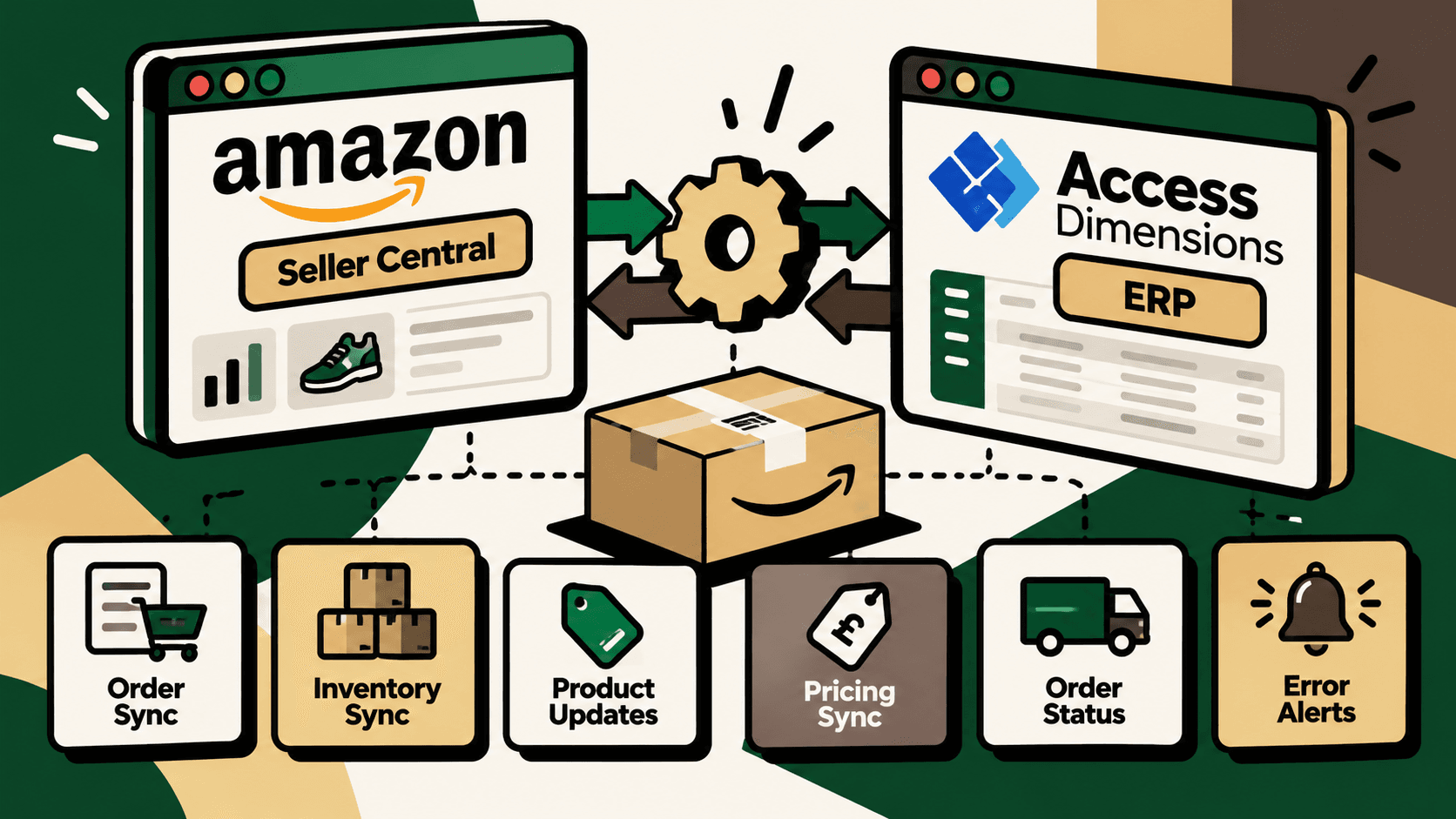
The practical challenge is that D2C operations span several systems. A storefront manages orders and products, a marketing platform manages customer journeys, a support desk handles customer conversations, and an ERP or inventory system maintains operational records. Shipping providers, marketplaces and payment systems add more dependencies. When these systems do not exchange reliable information, teams compensate with spreadsheets, manual updates and repeated checks.
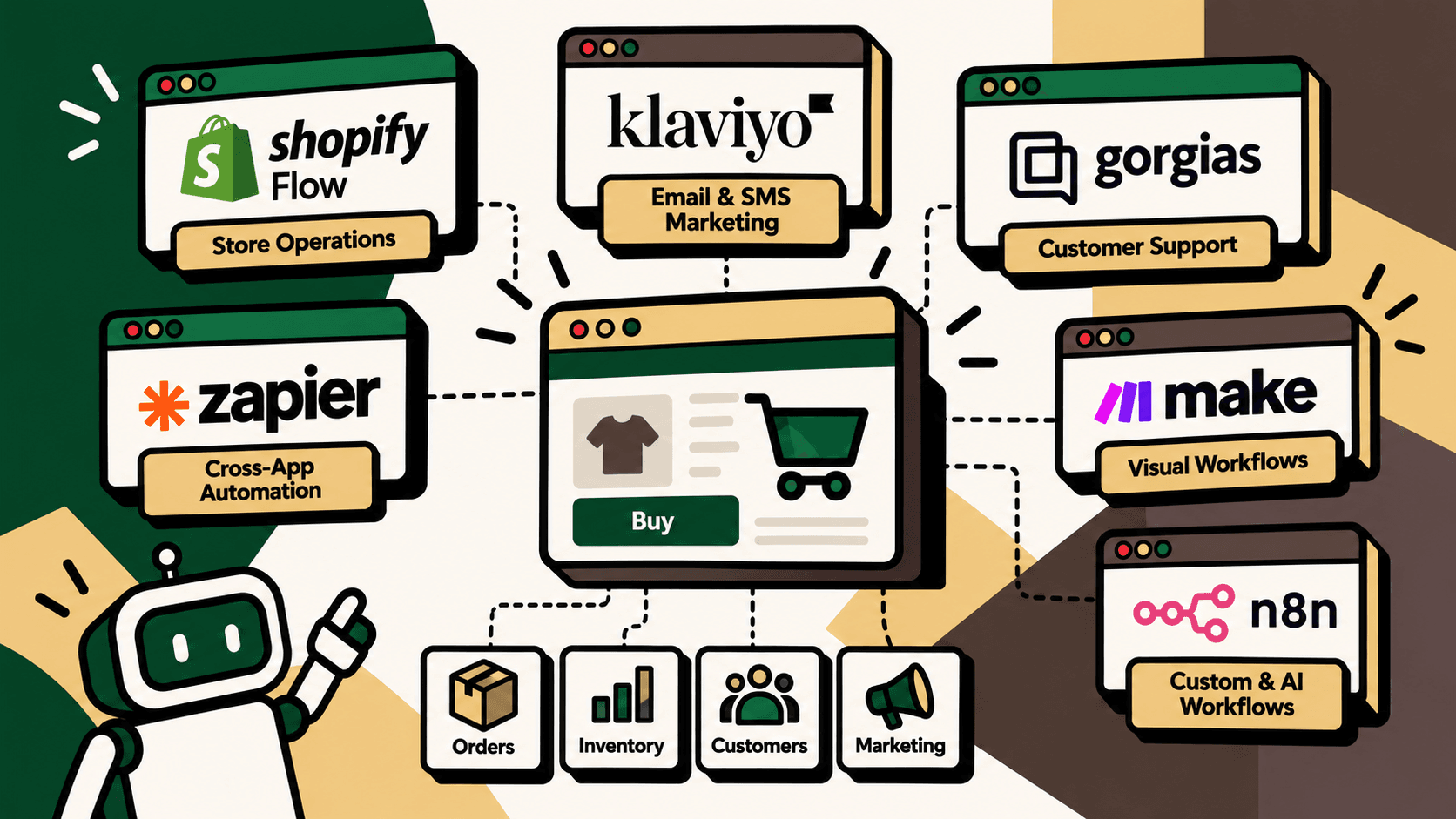
For most D2C brands, the right architecture combines specialized applications with a workflow automation or integration layer. Shopify Flow is designed for store-level workflows, Klaviyo for lifecycle marketing, Gorgias for customer support, and Make, Zapier and n8n for connecting applications and orchestrating workflows. These platforms overlap in some areas, but they are not interchangeable.
This guide compares the platforms across practical D2C use cases, technical requirements, implementation complexity, governance and cost considerations. It also explains when a native automation is enough and when a connected commerce infrastructure approach is more appropriate.
Quick Comparison of AI Automation Platforms
| Platform | Best-fit use case | Primary strength | Main consideration |
|---|---|---|---|
| Shopify Flow | Shopify store operations | Native trigger-condition-action workflows | Best suited to workflows supported by Shopify and its connected apps |
| Klaviyo | Email, SMS and customer retention | Behavior-based segmentation and lifecycle messaging | Not a complete ERP or warehouse orchestration platform |
| Gorgias | Customer service automation | Support workflows and AI-assisted customer conversations | Requires verified integrations and controls for sensitive actions |
| Zapier | Simple cross-app automation | Accessible setup and broad application connectivity | Complex, high-volume workflows require careful cost and reliability review |
| Make | Visual, multi-step workflows | Branching logic and visual scenario design | Complex scenarios need documentation and maintenance |
| n8n | Custom AI and operational workflows | Technical flexibility, APIs and deployment control | Requires technical ownership and operational monitoring |
| Shopify Sidekick | Store management assistance | Natural-language assistance for Shopify tasks | Not a replacement for a persistent integration architecture |
This is a functional comparison, not a universal ranking. Available features, AI entitlements, integrations, execution limits and pricing can vary by plan, region, deployment and product updates. Validate the exact workflow against current vendor documentation before selecting a platform.
1. Shopify Flow: Best for Native Store Operations
Best suited to: Shopify-first brands that want to automate repeatable store-management tasks using supported triggers, conditions and actions.
Shopify Flow lets merchants create workflows around events and conditions supported by Shopify and connected applications. It is a natural starting point when the workflow begins and ends within the Shopify ecosystem.
What can Shopify Flow automate?
- Apply tags to orders or customers when defined conditions are met.
- Route selected orders for review based on supported rules.
- Trigger supported inventory-related or fulfillment-related actions.
- Connect store events to actions available through compatible apps.
- Notify an operator when a specified business condition occurs.
Example: Flagging orders for review
A D2C brand wants potentially problematic orders reviewed before fulfillment. The workflow checks available order attributes against predefined rules, tags matching orders and routes them for the required review action if the relevant integration supports it.
The important design decision is to distinguish a risk indicator from a final fraud decision. Rules can flag a transaction for investigation, but high-impact decisions should use the business's approved review process rather than treating an automated tag as definitive evidence.
Strengths and limitations
Shopify Flow reduces the need to build a separate automation for every straightforward Shopify event. Its native context can simplify implementation when the required actions are available in Shopify or compatible apps.
However, a store-level workflow should not be assumed to handle every step across an ERP, warehouse, marketplace and finance system. If the process requires complex transformations, custom API calls, cross-system reconciliation or specialized exception handling, a separate integration layer may be necessary.
Choose Shopify Flow when: the core requirement is a supported Shopify workflow and the business wants to start with minimal additional infrastructure.
Explore: Shopify Flow developer documentation and Shopify Flow help documentation.
2. Klaviyo: Best for Lifecycle Marketing and Retention
Best suited to: D2C brands that want to coordinate customer messaging around shopping behavior, purchase history and engagement.
Klaviyo focuses on customer data, segmentation and marketing automation, including email and SMS workflows where supported by the account configuration. Its value is not simply sending more messages. It is helping brands make communication more relevant to customer behavior.
What can Klaviyo automate?
- Welcome sequences for eligible subscribers.
- Abandoned-cart and browse-related messaging where the required events and consent are available.
- Post-purchase communication and product education.
- Replenishment reminders for products with an appropriate repeat-purchase cycle.
- Win-back campaigns for selected inactive customers.
- Segmentation based on available customer, event and purchase data.
Example: Improving post-purchase communication
Suppose a skincare brand wants customers to receive relevant product-use guidance after purchasing. A lifecycle workflow can use the available order and customer data to select an appropriate communication sequence, subject to consent, suppression rules and supported integrations.
The workflow should distinguish a completed purchase from a cancelled or refunded order. If order status is delayed or inconsistent, the brand risks sending irrelevant messages. This is why marketing automation depends on reliable underlying commerce data.
Strengths and limitations
Klaviyo is useful when the primary goal is lifecycle marketing and repeat purchases. It can help teams coordinate messages around defined customer events instead of relying on one-off campaigns.
It is not a substitute for an ERP integration, warehouse management system or complete order-processing layer. Marketing workflows also require consent management, suppression rules, deliverability monitoring and careful control of message frequency.
Choose Klaviyo when: the business needs more relevant email and SMS communication, behavior-based journeys and structured retention workflows.
Explore: Klaviyo's official website and Klaviyo help documentation on flows.
3. Gorgias: Best for Customer Support Automation
Best suited to: D2C brands handling growing volumes of customer questions about products, delivery, returns, exchanges and orders.
Gorgias focuses on ecommerce customer support. Its support workflows and AI capabilities can help automate or assist with selected customer conversations when the relevant store data, integrations and permissions are available.
What can Gorgias automate?
- Classify and route customer conversations using supported rules.
- Assist with common product and order questions.
- Provide order-tracking information when the required data is connected.
- Support selected return or exchange workflows where configured.
- Help agents use consistent responses for recurring questions.
- Escalate conversations that require human judgment.
Example: Handling a delivery-status question
A customer asks where an order is. The support workflow identifies the request, retrieves the available order or tracking information through connected systems and provides an appropriate response. If tracking data is missing or contradictory, the workflow should route the case for investigation instead of inventing a delivery estimate.
This distinction matters because customer-facing AI should only state what connected systems can substantiate. A confident response based on stale or incomplete tracking information can increase support contacts rather than reduce them.
Strengths and limitations
Gorgias is suited to customer-service workflows because support conversations are its primary context. It can reduce repetitive work and help agents handle more conversations consistently when its connected data is reliable.
However, a support platform does not automatically become the system of record for inventory, accounting or warehouse operations. Refunds, order cancellations and address changes may require explicit authorization, supported actions and policy controls. Some cases should remain subject to human approval.
Choose Gorgias when: support volume is increasing and common ecommerce questions consume a substantial share of the team's time.
Explore: Gorgias AI Agent documentation and Gorgias workflow documentation.
4. Zapier: Best for Quick Cross-App Connections
Best suited to: teams that want to connect common applications without building every integration from scratch.
Zapier connects supported applications through trigger-and-action workflows. It can be useful when a business needs to pass information between tools, create notifications or coordinate straightforward tasks.
What can Zapier automate?
- Send notifications when selected events occur in connected applications.
- Route leads or customer information to supported destinations.
- Create follow-up tasks from defined events.
- Connect marketing, customer relationship management and operational tools where supported integrations exist.
- Use multi-step workflows for processes that fit the platform's available features and limits.
Example: Routing an operational exception
When a connected system reports a failed order import, an automation can notify the assigned operator and create a follow-up task. This does not fix the underlying integration error, but it reduces the risk that the failure remains unnoticed.
Strengths and limitations
Zapier can be accessible for teams that need quick connections between supported applications. It is often a sensible starting point for low-complexity workflows where rapid setup is more important than highly customized orchestration.
As workflows become more complex, businesses need to examine task consumption, retries, duplicate prevention, error visibility, data transformations and maintenance. A low initial setup cost does not guarantee a low total cost when transaction volume and workflow steps increase.
Choose Zapier when: the workflow is relatively straightforward, the required applications are supported and the team values accessible configuration.
Explore: Zapier's platform overview and its guide to multi-step workflows.
5. Make: Best for Visual Multi-Step Workflows
Best suited to: teams that need branching logic, conditional paths and visual control over processes spanning several applications.
Make provides a visual environment for connecting applications and building scenarios. It is useful when a workflow contains multiple steps and different outcomes depending on the data received.
What can Make automate?
- Move data between supported ecommerce and business applications.
- Apply conditional logic to decide which path a transaction should follow.
- Transform and map data between connected systems.
- Send notifications or create follow-up actions for selected exceptions.
- Coordinate multi-step workflows where the required connectors and operations are supported.
Example: Routing orders by fulfillment conditions
A brand sells through a storefront and several sales channels. An order enters a connected workflow, which checks available attributes and routes the record to an appropriate processing path. Orders that meet standard conditions continue automatically, while missing SKU mappings or conflicting data are sent to an exception queue.
The workflow must still use authoritative stock and order data. A visual scenario cannot correct a bad inventory policy or guarantee that an external system accepted a transaction unless the response is checked.
Strengths and limitations
Make can make branching workflows easier to inspect because the sequence of modules and routes is visible. It can be appropriate for businesses that need more flexibility than a basic one-trigger, one-action automation.
However, large scenarios can become difficult to maintain without clear naming, documentation, reusable logic and monitoring. Teams should also validate execution limits, usage-based costs, error-handling options and connector behavior before moving critical order or financial processes into production.
Choose Make when: a workflow has multiple branches and transformations, but the team wants a visual automation environment rather than a fully custom codebase.
Explore: Make's pricing information and its workflow automation guidance.
6. n8n: Best for Custom AI and Commerce Infrastructure Workflows
Best suited to: brands with technical resources that need custom integrations, API-level control, complex data transformations or AI-assisted operational workflows.
n8n provides a workflow automation environment that supports integrations, custom logic and AI-related workflows. It offers cloud and self-hosted deployment options, subject to the product's current plans and licensing terms.
What can n8n automate?
- Coordinate API calls across connected commerce systems.
- Transform product, order and customer data into destination-specific formats.
- Build workflows with explicit validation, branching and error handling.
- Use AI models to classify unstructured information or summarize operational cases.
- Route high-impact exceptions to human approval.
- Connect systems where custom API work is needed and the required access is available.
Example: AI-assisted returns triage
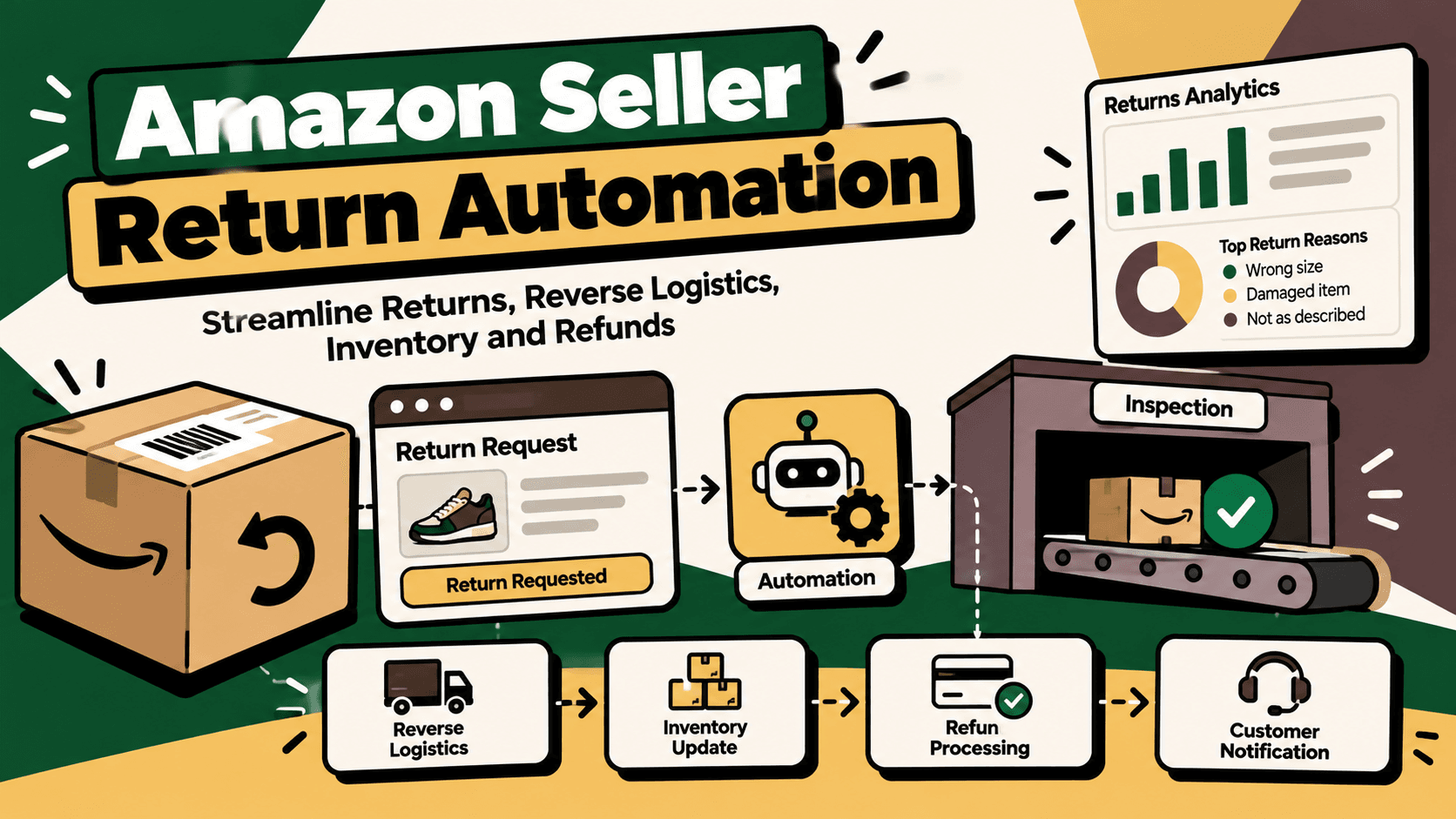
A customer submits a return request with a free-text explanation. A workflow can classify the stated reason, summarize the case and compare the request with structured order and return-policy data. If the request matches a predefined low-risk scenario, the workflow can route it through an approved process. Ambiguous, high-value or policy-sensitive cases go to a human reviewer.
The AI model should not be the sole authority for refund eligibility or financial execution. The workflow should validate the order and policy through authoritative data, record the decision path and require approval where the business's rules demand it.
Strengths and limitations
n8n offers flexibility when a business needs workflows that go beyond standard app-to-app automation. Technical teams can use custom logic and integrations to build around existing systems instead of forcing every operational requirement into one specialized SaaS platform.
That flexibility also creates responsibility. A production deployment needs an owner for credentials, updates, logging, monitoring, access controls, backups where relevant and recovery from failures. Self-hosting is not automatically cheaper or safer; the full operational burden must be included in the decision.
Choose n8n when: integration complexity, custom business rules or infrastructure control justify the technical work needed to maintain the workflow.
Explore: n8n's AI workflow capabilities and the n8n documentation.
7. Shopify Sidekick: Best for Store Management Assistance
Best suited to: Shopify merchants who want natural-language assistance with supported store-management tasks.
Shopify's AI-powered tools include Sidekick, which is designed to assist merchants within the Shopify environment. Its precise capabilities depend on availability, permissions and the task involved.
Store-management assistance and workflow automation solve different problems. An assistant can help a merchant understand information or carry out supported tasks, while a persistent automation runs according to configured events and conditions. Sidekick should therefore be evaluated as part of the Shopify toolkit, not assumed to replace a cross-system integration layer.
Choose Sidekick when: the team needs assistance with supported Shopify management tasks and wants to reduce friction in day-to-day store administration.
AI Automation Platforms: Which Is Best for Each D2C Function?
| Business function | Starting platform | When another layer is needed |
|---|---|---|
| Store tagging and supported order rules | Shopify Flow | When the process requires unsupported systems or complex orchestration |
| Email and SMS retention | Klaviyo | When customer events or consent data need integration or correction |
| Customer support and routine queries | Gorgias | When resolutions depend on disconnected ERP, warehouse or finance systems |
| Basic notifications and app handoffs | Zapier | When volume, custom logic or transaction controls outgrow the workflow |
| Multi-step branching processes | Make | When complex integrations need deeper technical control or specialized operations |
| Custom API workflows and AI-assisted operations | n8n | When additional engineering, security or operational governance is required |
| Shopify administration assistance | Shopify Sidekick | When a persistent, cross-system process must execute independently |
Choosing a Platform Based on Your Business Stage
Early-stage D2C brand
At an early stage, operational complexity is usually more important than the number of tools. A Shopify-first business may start with native store workflows and a lifecycle marketing platform. Automate only the repetitive tasks that are already well understood, such as tagging, customer messaging or simple notifications.
Do not add a general-purpose automation layer just because it is available. If a native workflow meets the requirement reliably, an additional integration may add cost and maintenance without meaningful benefit.
Growing brand with multiple applications
As order volume and the number of connected tools increase, the team may need visual or general-purpose automation to coordinate data between applications. Make or Zapier can be evaluated for supported cross-app workflows. Choose based on branching complexity, transaction volume, error handling and the total cost of execution.
Keep customer marketing and customer support in their specialist tools where those platforms meet the need. The integration layer should connect the systems rather than duplicate every feature they already provide.
Multichannel brand with ERP and warehouse systems
A brand operating across marketplaces, storefronts, ERP, inventory, warehouse and shipping systems needs more than a collection of independent automations. It needs explicit ownership of order, product, stock and financial data, plus a reliable way to coordinate events across those systems.
n8n or another suitable integration platform may be appropriate when the business requires custom API workflows and technical control. A preconfigured connector or specialist integration product may be better when it already supports the required systems and processes. The decision should follow a compatibility assessment, not a preference for one tool category.
Large or highly governed operation
For a larger business, evaluate identity and access management, auditability, environment separation, change approval, recovery procedures, support commitments and data residency requirements where applicable. A platform that is easy to configure is not automatically appropriate for a financially sensitive or operationally critical workflow.
The Critical Difference Between AI Tools and AI Commerce Infrastructure
Specialized applications solve specific problems. A marketing platform sends customer journeys, a support desk handles conversations, and an ERP maintains operational records. A workflow or integration layer coordinates how those systems exchange data and act on business events.
For example, an order may need to move through payment confirmation, inventory validation, order creation, warehouse processing, shipment tracking and financial reconciliation. The workflow must know which system owns each record, how to detect an incomplete step and what to do when a downstream system rejects an update.
Buying several AI-enabled applications does not automatically create that coordination. A connected architecture requires data contracts, field mappings, business rules, error recovery, monitoring and a clear escalation path. AI can assist with classification and interpretation, but deterministic rules and authoritative system checks should control high-impact transactions.
How to Prioritize D2C Automations
Do not begin by automating every task. Rank opportunities by the operational value they may deliver relative to implementation and maintenance complexity.
A practical prioritization model is:
Automation priority = volume × frequency × manual effort × error cost × revenue impact ÷ implementation complexity
This is a practical decision aid, not an industry-standard formula. Use consistent internal scoring scales so teams can compare opportunities. It helps identify workflows where repeated manual effort, costly errors or revenue consequences justify the implementation work.
| Workflow | Automation opportunity | Required control | Metric to measure |
|---|---|---|---|
| Order data entry | Import and map eligible orders | Duplicate prevention and failed-import alerts | Manual minutes per order and import failure rate |
| Inventory updates | Publish approved stock availability | Source-of-truth rules and reservation handling | Inventory discrepancy rate |
| Customer queries | Answer routine questions using connected data | Confidence thresholds and human escalation | Resolution time and reopen rate |
| Returns triage | Classify reasons and route cases | Policy validation and approval for sensitive actions | Handling time and incorrect-routing rate |
| Marketing journeys | Trigger relevant customer messages | Consent, suppression and frequency controls | Conversion, unsubscribe and complaint rates |
| Operational reporting | Consolidate validated data into reports | Reconciliation and metric definitions | Reporting preparation time and data discrepancies |
Implementation Checklist: From Pilot to Production
1. Map the existing workflow
Document the trigger, systems involved, current manual steps, expected output and exception paths. Identify where staff copy information, where records diverge and which decisions require judgment.
2. Establish baseline metrics
Measure transaction volume, manual handling time, failure rates, correction effort and the business impact of errors. Define how each metric is calculated before implementation so that later comparisons are meaningful.
3. Separate rules, AI and human decisions
Use deterministic rules for explicit conditions such as required fields, known SKU mappings and approved status transitions. Use AI where unstructured language or classification creates a genuine need. Keep human approval for ambiguous, high-impact or policy-sensitive decisions.
4. Verify data and integrations
Confirm the required connectors, APIs, permissions, rate limits and data fields. Establish which system owns each field and how changes propagate. Do not assume that a platform's generic integration listing guarantees support for every action or data object.
5. Add guardrails and observability
Implement validation, duplicate protection, controlled retries, logs, alerts and an exception queue. Restrict access to credentials and sensitive data. Define who responds when a workflow fails and how a transaction can be safely recovered.
6. Run a limited pilot
Start with a small set of products, orders or a defined workflow. Test standard cases, missing data, duplicate events, delayed responses and system outages. Compare results against the baseline and collect feedback from the people responsible for daily operations.
7. Measure before scaling
Expand only when the pilot meets agreed criteria for reliability, data accuracy, exception handling and operational benefit. Monitor the workflow after launch because API changes, connector updates, new products and evolving business rules can introduce failures over time.
Security, AI Reliability and Hidden Costs
Automation can increase operational speed while also amplifying mistakes. If an incorrect SKU mapping or stock rule is applied to every order, automation can spread the error faster than a manual process. A production workflow therefore needs validation and monitoring, not just successful execution.
Data quality
Inconsistent product codes, missing fields and stale stock records can undermine any platform. Clean and standardize source data before expanding the workflow. Make invalid records visible rather than silently converting them into potentially incorrect transactions.
AI hallucinations and decision boundaries
AI-generated classifications, summaries and customer responses can be useful, but they may be wrong. Ground customer-facing claims in connected records and route uncertain cases for review. Do not allow an AI model to independently invent stock availability, confirm a refund or make a financial adjustment without the required authoritative checks and permissions.
Security and privacy
Review access permissions, credential storage, retention policies, data processing terms and the handling of customer information. If using a self-hosted platform, account for infrastructure security, patching, backups and access management. Limit workflow permissions to what each process actually requires.
Maintenance and monitoring
Every integration needs an owner. Monitor failures, retries, unusual transaction patterns and changes to connected systems. Document the workflow so that troubleshooting does not depend on the person who originally built it.
Total cost of ownership
Compare more than subscription fees. Include implementation, usage or task limits, AI model charges where applicable, hosting, monitoring, maintenance, support and the effort required to manage exceptions. A lower-cost tool may be sufficient for a simple workflow but less suitable when the business needs complex orchestration and strong operational controls.
How Five Anchor Fits into D2C Automation
For brands whose main challenge is coordinating orders, inventory, ERP, marketplaces, warehouse and shipping systems, the problem is often broader than choosing an AI application. It is a commerce infrastructure problem: multiple systems need to exchange accurate data and follow consistent business rules.
Five Anchor's commerce infrastructure focus aligns with this requirement. Depending on the systems and business needs, an implementation can include workflow mapping, marketplace and ERP integrations, order-processing automation, inventory synchronization, warehouse or shipping connections, validation rules and exception monitoring.
Five Anchor's AI-powered customer operations work is relevant when support workflows need to connect with order, delivery, return or warranty information. AI can classify cases and support routine responses, while authoritative records and human approval govern sensitive actions.
For reporting needs, ecommerce intelligence workflows can consolidate validated information for operational dashboards, inventory visibility and marketplace performance analysis. The exact implementation should be based on the data sources available and the business definitions agreed with the team.
The practical approach is to identify the highest-value workflow, verify existing integrations, build the smallest reliable solution and measure the result. A specialist implementation should complement tools that already work rather than replace them without a clear operational reason.
Final Verdict: Which AI Automation Platform Should You Choose?
There is no single best AI automation platform for every D2C brand. The right choice depends on the workflow, system stack, technical resources, transaction volume, reliability requirements and total cost of ownership.
- Choose Shopify Flow for supported store-level automation in a Shopify-centered operation.
- Choose Klaviyo for customer segmentation, email and SMS lifecycle marketing.
- Choose Gorgias for customer support workflows and AI-assisted ecommerce conversations.
- Choose Zapier for straightforward connections between supported applications.
- Choose Make when visual branching and multi-step workflows are important.
- Choose n8n when custom APIs, complex workflow logic and technical control justify the operational responsibility.
- Use Shopify Sidekick for supported store-management assistance rather than treating it as a complete integration platform.
For a growing multichannel brand, a combination of specialized applications and a reliable orchestration layer may be more practical than forcing every function into one platform. Start with a measurable operational problem, verify that the chosen tools can support it, preserve human oversight where needed and expand only after the workflow proves reliable.
Key Takeaways
- •Choose automation platforms based on the business workflow, not the number of AI features.
- •Shopify Flow is suited to supported Shopify-native rules and actions.
- •Klaviyo focuses on customer segmentation, lifecycle marketing and retention communication.
- •Gorgias is suited to customer support workflows when relevant commerce data and integrations are available.
- •Zapier is useful for straightforward cross-application automation, while Make provides a visual environment for more complex branching workflows.
- •n8n offers technical flexibility for custom API and AI-assisted workflows but requires ownership of security, monitoring and maintenance.
- •Multichannel D2C operations may require an orchestration layer to connect storefronts, marketplaces, ERP, inventory, warehouse and shipping systems.
- •
AI Automation Platforms for D2C Brands
| Platform | Best use case | Main limitation |
|---|---|---|
| Inventory Sync Frequency | 15–30 min batch polling (high oversell risk) | Sub-second atomic locking (<450ms) |
| Concurrent Drop Resilience | Fails under concurrency; causes negative stock balance | Redis atomic reservation queue guarantees exact counts |
| Error Handling & Retries | Silent failure; manual CSV audit needed | Dead-letter queues with automated exponential retry |
| Fulfillment Routing Speed | 2–4 hours delayed batch export to 3PL warehouse | Instantaneous automated webhook dispatch (<90 sec) |