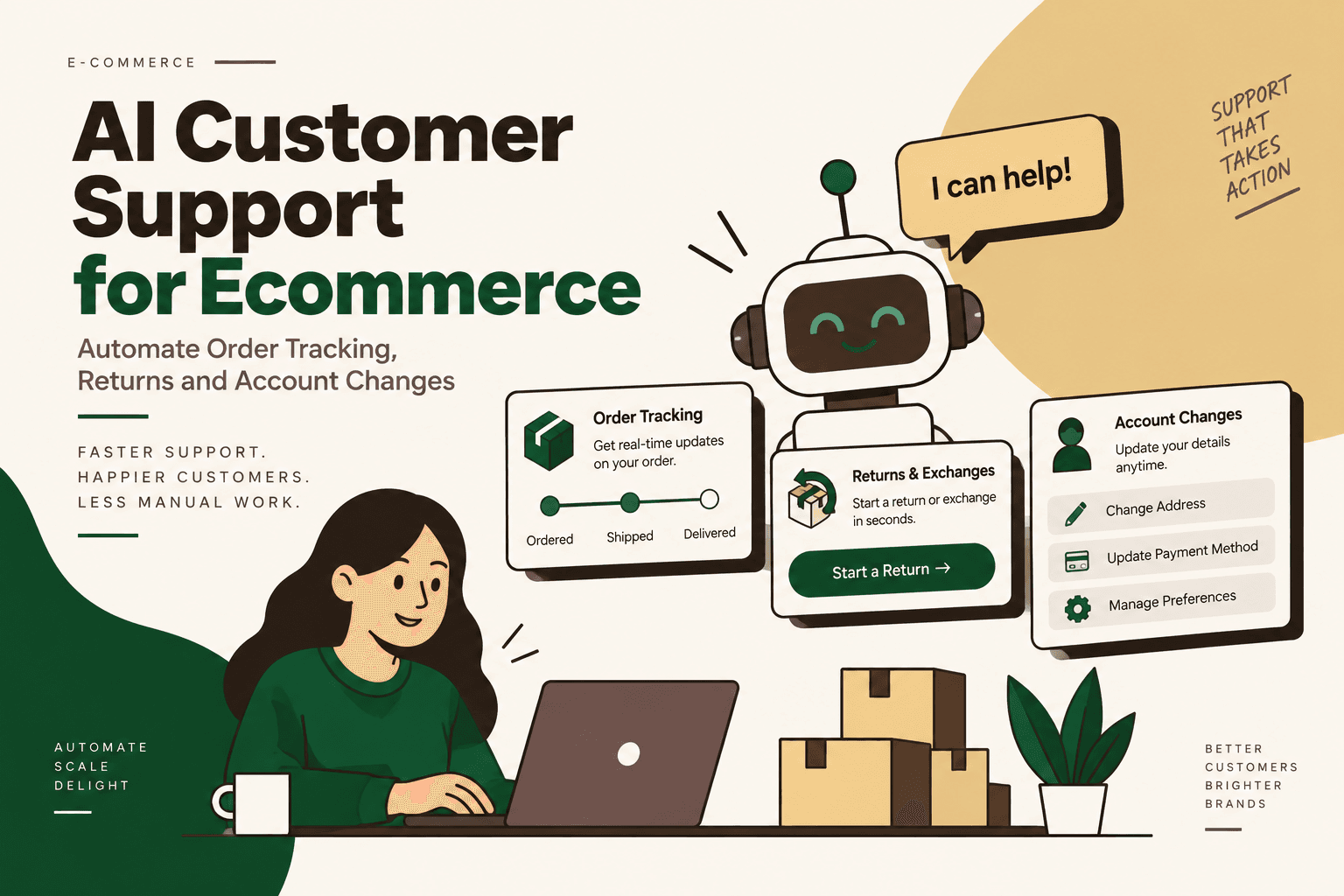
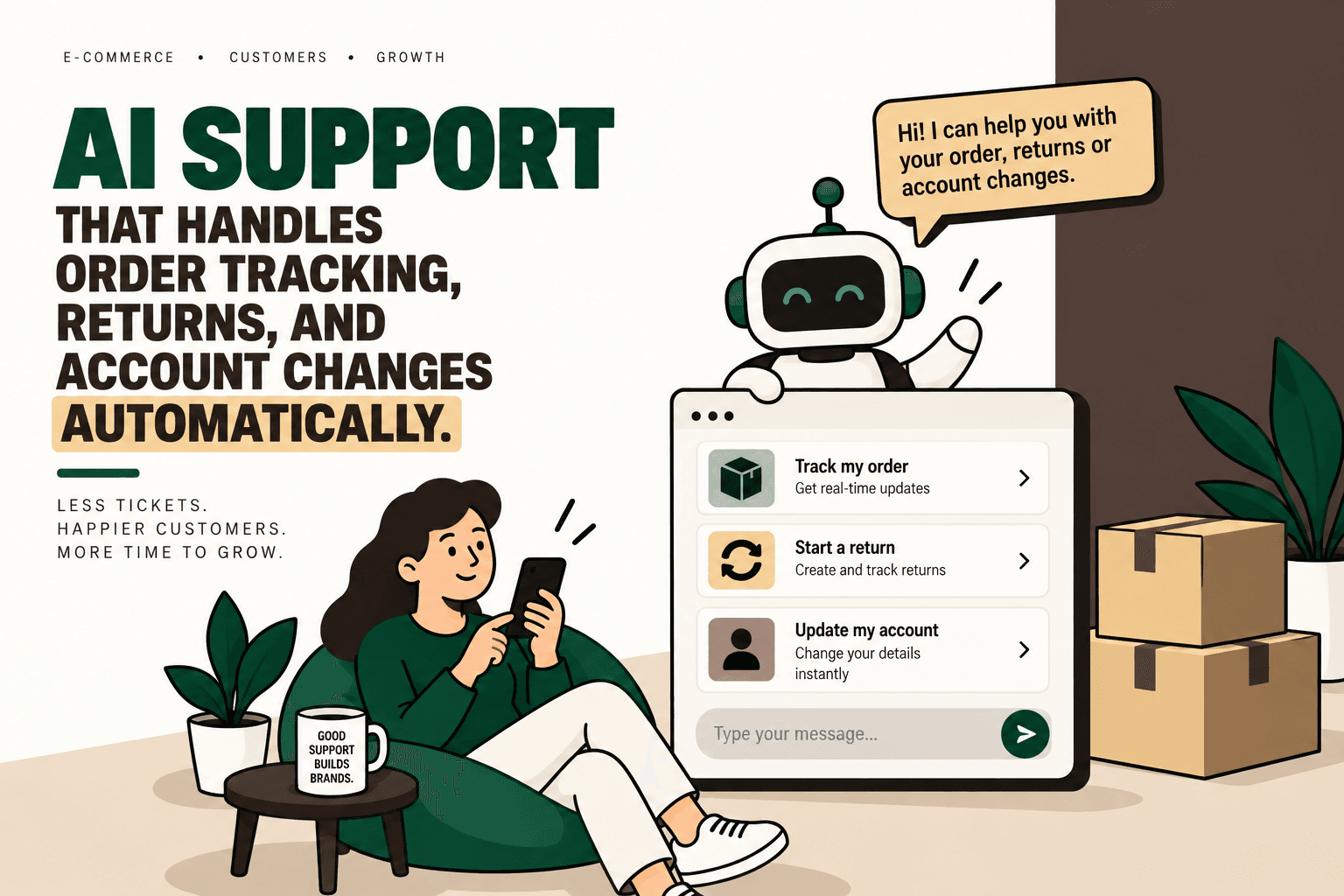
AI Customer Support for Ecommerce Is Moving From Answers to Actions
Most ecommerce support requests look simple from the customer's perspective. Where is my order? Can I return it? Can I change the delivery address? Can I cancel before it ships? How do I update my account?
The difficult part is rarely understanding the question. The difficult part is completing the requested action across multiple systems without creating a second operational problem.
An AI customer support system for ecommerce becomes materially more useful when it can move beyond answering FAQs and safely execute approved workflows. Depending on the integrations and permissions available, an AI support agent can retrieve live order information, evaluate return eligibility, initiate approved returns, manage selected order changes, update connected systems and escalate exceptions to a human.
This distinction matters because ecommerce support is connected to the operational stack. A customer conversation may depend on information from Shopify or another commerce platform, an ERP, an OMS, a WMS, a shipping carrier, a returns platform or a payment system.
Research into current ecommerce AI support platforms shows the market increasingly positioning AI around order tracking, returns, product questions and workflow execution rather than FAQ-only conversations. Examples identified in the research include Intercom, Yuma, Ada, Exei, CommerceAgent and Adelante CX. Their actual capabilities, integrations and approval requirements differ.
The practical question for a D2C business is therefore not simply, “Can AI answer customer questions?” It is: Can AI securely take the required action across the commerce stack?
What Is AI Customer Support for Ecommerce?
Answer: AI customer support for ecommerce uses AI to understand customer requests and, when properly integrated, retrieve information or execute approved support workflows across connected commerce systems.
A conventional chatbot is primarily an information interface. It can retrieve an answer from a knowledge base and present it to the customer.
An AI support agent can combine conversation, business rules, customer context and system data to determine what should happen next. In an appropriately designed workflow, it can then perform a permitted action or request human approval.
For example, a traditional chatbot might tell a customer that returns are accepted within a particular period and provide a link to the returns page.
An action-oriented support workflow can instead follow a sequence such as:
- Identify the customer.
- Retrieve the relevant order.
- Check order status.
- Read the applicable return rules.
- Determine whether the request falls within approved conditions.
- Initiate the return when permitted.
- Generate or request the required return information.
- Update the relevant system.
- Tell the customer what happened.
- Escalate if the request falls outside the permitted workflow.
The difference is operational. The AI is not merely generating text; it is participating in a controlled business process.
Why Ecommerce Support Is a Strong Automation Opportunity
Ecommerce support contains a large number of requests that are repetitive but still require access to structured business data.
Order tracking is a good example. A customer may ask a question in natural language, but the answer depends on current order and shipment information. The support team may otherwise need to locate the order, open the relevant system, interpret the carrier status and communicate the result manually.
Returns create a similar problem. The answer depends on the product, purchase date, fulfillment status, return policy, payment method, reason for return and sometimes the condition of the item.
Account and order changes introduce another layer because the agent may need to verify identity and determine whether the requested modification is still operationally possible.
This makes ecommerce support different from a static FAQ problem. The support experience is often the visible front end of a workflow that crosses several systems.
The Core Ecommerce Support Workflows
| Workflow | What AI Can Potentially Handle | What It Depends On |
|---|---|---|
| Order tracking | Retrieve order status, shipment status and available delivery information | Commerce, OMS and shipping integrations |
| Returns | Check eligibility and initiate approved return workflows | Return rules, order data and returns integration |
| Exchanges | Validate approved exchange conditions and initiate workflow | Inventory, order and exchange rules |
| Order changes | Handle permitted cancellations or address changes | Order status, permissions and fulfillment state |
| Account support | Guide or execute approved account changes | Identity, account system and security controls |
| Escalation | Identify ambiguous or restricted cases and transfer context | Clear escalation rules and human support process |
1. Automating Order Tracking and WISMO Requests
Answer: An integrated AI support agent can automate many “Where is my order?” requests by retrieving current order and shipping information instead of relying on a static FAQ response.
WISMO, or “Where Is My Order?”, is a natural automation candidate because the underlying question is repetitive while the required answer is usually data-driven.
A useful workflow looks like this:
- The customer asks for an order update.
- The agent verifies the customer and identifies the order.
- The agent retrieves the latest order and fulfillment status.
- The agent retrieves available shipping information.
- The agent interprets the status in the context of the customer's question.
- The agent communicates the current information.
- If the shipment is delayed or abnormal, the workflow follows the defined exception path.
The important architecture point is that the AI should not invent an estimated delivery date. It should retrieve the relevant data from the connected source and clearly distinguish confirmed information from an estimate.
That makes data integration more important than conversational fluency.
Where Order Tracking Workflows Break
- The order exists in one system while tracking data exists in another.
- Shipment status is delayed or incomplete.
- Multiple shipments exist for the same order.
- The customer provides incomplete order information.
- The shipment is delayed beyond the normal delivery window.
- The carrier status conflicts with internal order status.
A mature AI support workflow needs explicit handling for these conditions rather than assuming every tracking request is a simple lookup.
2. AI Returns and Exchange Automation
Answer: AI returns automation can combine customer conversation, order information and predefined return rules to determine whether a return request can proceed and, when permitted, initiate the relevant workflow.
Returns are particularly interesting because they combine interpretation with deterministic business rules.
Consider a customer asking, “I bought this three weeks ago and the size is wrong. Can I exchange it?”
The agent may need to determine:
- Which order contains the product.
- When the order was delivered.
- Whether the product is eligible for return.
- Whether the requested reason is covered by policy.
- Whether the order has already been refunded or returned.
- Whether the requested replacement is available.
- Whether human approval is required.
The workflow should then produce a controlled outcome rather than an unconstrained answer.
Illustrative workflow:
Customer request → identity verification → order lookup → policy check → eligibility decision → return or exchange action → system update → customer notification → exception escalation.
The AI should not become the source of truth for the return policy. The policy should exist in a controlled business-rule or knowledge layer, and the agent should operate within those constraints.
Why Returns Need More Than a Chatbot
A chatbot can explain a return policy. That does not mean it has actually processed the return.
The operational value comes when the conversation is connected to the systems that manage the transaction.
Research sources in the supplied search response describe ecommerce AI support products that position their systems around order tracking, returns and action-taking workflows. For example, Shopify's discussion of AI customer service describes AI-assisted customer interactions, while ecommerce-focused providers such as CommerceAgent and Exei describe workflows involving ecommerce support and order-related requests.
These are vendor capabilities, not universal benchmarks. Actual automation depends on the business's systems, permissions, policies and implementation.
3. Automating Order Changes
Answer: AI can handle selected order changes when the requested change is permitted by business rules and the commerce system still allows the action.
Common examples include:
- Cancellation requests before fulfillment.
- Permitted delivery-address changes.
- Other order modifications supported by the commerce platform.
The critical variable is timing.
An address change may be safe before an order enters fulfillment and impossible after the parcel has been handed to a carrier. A cancellation may be permitted before fulfillment and restricted afterward.
That means the AI needs both conversational understanding and real-time operational state.
Example: Address Change
Customer: “I just placed my order but entered the wrong apartment number.”
Agent workflow:
- Verify the customer's identity.
- Retrieve the order.
- Check fulfillment status.
- Determine whether address changes are permitted at that stage.
- Apply the approved change if allowed.
- Confirm the updated information.
- Escalate if the order is already locked or shipped.
This is an example of why AI support should be designed around business actions rather than conversation alone.
4. Account Changes Need Stronger Guardrails
Account support can include password resets, address updates, subscription changes and other account-management requests. The supplied research identifies account support as another area where AI systems are being positioned for automation.
However, account actions can carry greater security implications than a simple order-status lookup.
The system should therefore distinguish between low-risk information retrieval and actions that modify sensitive account data.
| Action Type | Typical Automation Approach | Control Requirement |
|---|---|---|
| Order status lookup | Automate when identity and order matching are reliable | Customer verification and data access controls |
| Return eligibility | Automate using explicit policy rules | Policy validation and exception handling |
| Address change | Automate only while operationally permitted | Identity verification and order-state check |
| Password reset | Use the platform's secure reset mechanism | Do not expose credentials or bypass authentication |
| High-value refund exception | Route for human approval | Approval threshold and audit trail |
Traditional Chatbot vs AI Support Agent
The distinction can be summarized by looking at what happens after the customer asks a question.
| Traditional Chatbot | AI Support Agent | Key Difference |
|---|---|---|
| Yes | Yes | FAQ answers |
| Limited or integration-dependent | Connected to live commerce data | Live order lookup |
| Usually explains the policy | Can evaluate approved rules | Return eligibility |
| Usually routes to a human | Can execute permitted actions | Order changes |
| Usually limited | Can update connected systems | System updates |
| Transfers the conversation | Transfers with workflow context | Human escalation |
The Architecture Behind Action-Taking Ecommerce Support
A reliable AI support agent should sit between the customer conversation and the systems that contain operational truth.
A simplified architecture is:
Customer → AI Support Agent → Commerce Platform / ERP → OMS / WMS → 3PL / Shipping → Returns / Payments → Customer
The AI layer interprets intent and coordinates the workflow. It should not replace every underlying system.
Layer 1: Customer Interface
The customer may communicate through website chat, email, WhatsApp, social messaging or voice. The channel is the interface, not the system of record.
Layer 2: AI Reasoning and Orchestration
The AI determines what the customer is asking, identifies the relevant workflow and gathers the information required to proceed.
Layer 3: Business Rules
Rules define what the agent is allowed to do. Examples include return windows, cancellation conditions, refund thresholds, address-change restrictions and escalation requirements.
Layer 4: System Integrations
APIs and integrations connect the agent to commerce, ERP, OMS, WMS, shipping, returns and payment systems.
Layer 5: Human Escalation
When the request is ambiguous, sensitive, high-risk or outside approved rules, the workflow should transfer to a human with the conversation and relevant system context attached.
What AI Should Automate and What Should Stay Human
More automation is not automatically better. The right boundary depends on error cost, business impact and how predictable the workflow is.
Low-risk, high-volume and rule-driven requests are generally easier to automate than exceptional cases involving significant financial, legal, security or customer-experience consequences.
| Workflow | Automation Potential | Human Role |
|---|---|---|
| Order tracking | High when live data is available | Handle abnormal carrier or fulfillment exceptions |
| Return eligibility | High when policy is explicit | Review exceptions and disputed cases |
| Exchange initiation | Medium to high depending on inventory and rules | Handle unusual product or inventory situations |
| Order cancellation | High before defined fulfillment states | Review cases outside standard rules |
| High-value refund | Conditional | Approval where required |
| Account security issue | Conditional | Handle identity or security exceptions |
AI Should Not Be the Source of Truth
One of the most important implementation principles is separating reasoning from authoritative data.
The AI can interpret a customer's request, but it should retrieve order status from the order system. It should evaluate return eligibility using approved policy information. It should obtain inventory information from the relevant inventory source.
This reduces the risk of an agent confidently communicating information that has become outdated.
The principle is simple:
AI decides how to navigate the workflow; connected systems determine the facts.
Human Escalation Is Part of the Design
A mature AI customer support workflow does not try to eliminate humans. It determines when human judgment is necessary.
Escalation conditions can include:
- Conflicting system data.
- Unclear customer identity.
- Requests outside policy.
- High-value refunds or credits.
- Fraud or security indicators.
- Repeated failed automation attempts.
- Customer disputes.
- Operational exceptions.
The handoff should preserve context. A customer should not have to explain the same issue again after being transferred.
The human agent should ideally receive the customer's request, relevant order details, actions already attempted, applicable policy and reason for escalation.
Security and Permissions Matter More Than Conversation Quality
An AI agent connected to commerce systems can potentially do more than a chatbot. That also means a poorly designed agent can cause more operational damage.
Permissions should therefore be designed around specific actions rather than broad access.
For example, an agent might be permitted to read order status and initiate standard returns but require approval before issuing an exceptional refund.
Useful controls include:
- Role-based permissions.
- Explicit action allowlists.
- Identity verification.
- Transaction thresholds.
- Audit logs.
- Human approval for sensitive actions.
- Rate limits and abuse controls.
- Clear escalation paths.
The objective is not to make the AI incapable of acting. It is to make its authority explicit and bounded.
How to Prioritize Ecommerce Support Automations
Not every support workflow deserves an AI agent on day one.
A practical prioritization model is:
Volume × Frequency × Manual Effort × Error Cost × Revenue Impact ÷ Implementation Complexity
This is a practical prioritization framework, not an industry-standard formula.
It helps compare workflows using operational factors instead of choosing automation simply because a use case sounds impressive.
For example, an ecommerce brand may find that order tracking receives very high request volume, requires little judgment and has relatively clear data dependencies. That can make it a sensible pilot.
A complicated warranty dispute may have lower volume, higher judgment requirements and greater exception risk. It may be better suited to AI-assisted triage rather than full autonomous resolution.
Start With the Smallest Viable Workflow
A common implementation mistake is attempting to automate the entire customer-service operation immediately.
A better approach is to select one workflow with a clear business rule, reliable data and measurable volume.
Step 1: Map the Existing Workflow
Document what happens from the customer's first message to final resolution.
For an order-tracking request, map the support agent's current actions, systems opened, information checked, response created and exceptions handled.
Step 2: Establish a Baseline
Measure the current workflow before automation.
- Ticket volume.
- Average handling time.
- First-response time.
- Resolution time.
- Escalation rate.
- Repeat-contact rate.
- Error rate.
- Cost per resolved interaction.
Step 3: Separate Rules, AI and Human Decisions
Use deterministic rules for predictable decisions. Use AI for language understanding, classification and contextual orchestration. Keep humans involved where the consequences or ambiguity justify human judgment.
Step 4: Connect the Required Data
Identify the systems needed for the selected workflow. Do not integrate every system simply because an API exists.
For order tracking, this may mean commerce order data plus fulfillment and shipping status. For returns, it may additionally require return policy information, eligibility logic and the returns system.
Step 5: Define Guardrails
Specify exactly what the agent can read, what it can change, which actions need approval and which situations always escalate.
Step 6: Pilot
Run the workflow against a controlled portion of support volume. Review failed interactions and edge cases rather than measuring only successful conversations.
Step 7: Measure the Business Outcome
Compare automation performance against the baseline. The objective is not simply to increase the percentage of conversations touched by AI. The objective is to improve operational outcomes without increasing errors or customer friction.
What to Measure After Deployment
A support automation program should be evaluated using business and operational metrics.
| Metric | Why It Matters |
|---|---|
| Resolution rate | Shows how often requests reach an acceptable outcome without additional work |
| Escalation rate | Shows how often human intervention remains necessary |
| Repeat-contact rate | Shows whether the first interaction actually resolved the customer's issue |
| Error rate | Measures incorrect actions or information |
| Average handling time | Shows operational effort per interaction |
| Customer satisfaction | Checks whether efficiency improvements are creating customer friction |
| Cost per resolution | Connects workflow performance to operating economics |
A system that resolves more tickets but creates more incorrect refunds is not necessarily an improvement. Measurement needs to account for quality and downstream consequences.
Common Failure Modes in AI Ecommerce Support
1. Automating Before Integrating
A chatbot cannot reliably execute a workflow if the data and action systems are inaccessible.
Better approach: map the system dependencies before selecting the AI workflow.
2. Giving AI Excessive Permissions
Broad system access can increase the consequences of incorrect decisions.
Better approach: use narrowly defined permissions and approval thresholds.
3. Treating Policy as Static Text
Return and cancellation policies often interact with order state and product conditions.
Better approach: convert important policies into explicit decision rules where possible.
4. Ignoring Edge Cases
Successful demonstrations often show the normal path. Production support contains exceptions.
Better approach: design exception paths before expanding automation.
5. Measuring Deflection Instead of Resolution
A conversation ending without a human does not necessarily mean the customer received a correct resolution.
Better approach: measure completed outcomes, repeat contacts, errors and escalations.
6. Removing Humans Too Early
Complex support cases still benefit from human judgment.
Better approach: use AI to remove repetitive work while preserving human escalation for exceptions.
Examples of the Emerging Ecommerce AI Support Market
The supplied research identified several platforms positioning themselves around ecommerce support, including Intercom, Yuma, Ada, Exei, CommerceAgent, Adelante CX, Auralis and Wilmo.
For example, Auralis describes ecommerce support across order, returns and WISMO workflows, while Wilmo positions its product around AI-assisted ecommerce helpdesk workflows. These examples demonstrate the direction of the market, but they should not be treated as evidence that every platform offers identical capabilities.
When evaluating vendors, compare actual workflow capabilities rather than generic AI claims.
| Evaluation Area | Questions to Ask |
|---|---|
| Commerce integrations | Can the system read and update the platforms actually used by the business? |
| Order actions | Can it execute permitted actions or only provide instructions? |
| Returns | Can it evaluate rules and initiate approved workflows? |
| Channels | Which customer channels are supported? |
| Human escalation | Does the handoff preserve context and workflow state? |
| Permissions | Can actions be restricted by role, workflow or transaction type? |
| Monitoring | Can the business review decisions, failures and escalations? |
Where Five Anchor Fits
For a D2C business, AI customer support becomes more useful when it is treated as part of commerce infrastructure rather than an isolated chatbot.
Problem: customer support requests require information and actions spread across commerce, ERP, inventory, fulfillment, shipping and customer-operation systems.
Architecture: the AI support layer connects the customer conversation to the relevant systems while business rules and permissions control what can happen automatically.
Implementation: the work can include workflow mapping, commerce and ERP integrations, AI chat or voice operations, returns and exchange automation, customer self-service, ticket automation, guardrails and human escalation.
Business outcome: repetitive requests can move toward automated resolution while human support focuses on exceptions, disputes and cases that require judgment.
Five Anchor relevance: Five Anchor's positioning as AI Infrastructure for D2C & E-Commerce connects this support problem with its Commerce Infrastructure and AI-Powered Customer Operations capabilities. That can include connecting marketplace or commerce systems to ERP, order, fulfillment and customer-support workflows, then deploying controlled AI actions around the highest-volume use cases.
The important implementation principle is to build around the actual operating stack. If order information lives in Shopify, fulfillment information comes from a WMS or 3PL and customer communication happens through chat or WhatsApp, the support workflow needs to connect those systems rather than creating another isolated layer.
What the Human Team Does After Automation
Successful automation changes the work of support teams rather than simply eliminating every support interaction.
Instead of spending a large portion of their time answering repetitive status questions or manually executing standard returns, human agents can spend more time on:
- Complex exceptions.
- Customer disputes.
- Fraud and abuse cases.
- High-value customers or transactions.
- Policy exceptions.
- Operational incidents.
- Cases where empathy and judgment matter.
The result is a different division of labor: AI handles predictable workflow execution within defined boundaries, while humans retain authority over cases where context and judgment matter more.
Implementation Checklist for AI Customer Support
- Map the top support workflows.
- Identify the highest-volume repetitive requests.
- Document the systems involved in each workflow.
- Establish baseline operational metrics.
- Define which decisions are deterministic.
- Define where AI reasoning is useful.
- Define human approval points.
- Connect only the required systems.
- Create explicit permissions and action limits.
- Design exception and escalation paths.
- Launch the smallest viable workflow.
- Monitor errors, repeat contacts and escalations.
- Measure business outcomes against the baseline.
- Expand only after the workflow is reliable.
Frequently Asked Questions About AI Customer Support for Ecommerce
Can AI automatically track ecommerce orders?
Yes, when the AI support system is connected to current order and shipping data. The agent can retrieve status information and communicate it to the customer. The reliability of the workflow depends on the quality and availability of the connected data.
Can AI process ecommerce returns?
AI can potentially check return eligibility and initiate approved return workflows when the relevant order data, return rules and systems are connected. Exceptions should follow a defined escalation process.
Can an AI support agent change an order?
It can handle permitted changes such as selected cancellations or address updates when the commerce system supports the action and the order is still in an eligible state. Authentication, permissions and fulfillment status should be checked before making changes.
What is the difference between an AI chatbot and an AI support agent?
A chatbot primarily provides conversational answers. An AI support agent can combine conversation with system access and approved actions, allowing it to participate in workflows such as order lookup, return initiation and selected order changes.
Should AI handle every ecommerce support request?
No. AI is most suitable for predictable, high-volume workflows with reliable data and clear rules. Sensitive, ambiguous or high-impact cases should retain appropriate human oversight.
What integrations does ecommerce AI support require?
The exact integrations depend on the workflow. Order tracking may require commerce, fulfillment and shipping data. Returns may additionally require returns and payment information. Account workflows require secure identity and account-system integration.
Conclusion
AI customer support for ecommerce is becoming less about generating better answers and more about completing useful work.
Order tracking, returns, exchanges and account changes are attractive automation opportunities because many requests are repetitive, data-driven and governed by identifiable business rules. But the value appears only when the AI can safely interact with the systems that contain the operational truth.
The strongest implementation pattern is therefore not “put AI in front of customer support.” It is:
Map the workflow → connect the systems → define the rules → constrain permissions → automate the smallest viable use case → preserve human escalation → measure the outcome → scale carefully.
For D2C brands, that approach turns AI customer support from a conversational layer into a controlled part of the commerce operating system.