Ecommerce customer support becomes difficult to scale when the same operational questions arrive every day: Where is my order? Can I return this product? Can I change my delivery address? Has my refund been processed?
The problem is not simply the number of questions. Many of these requests require an agent to find customer data, retrieve an order, check business rules, interact with another system and then communicate the result. A chatbot that only generates an answer does not remove that operational work.
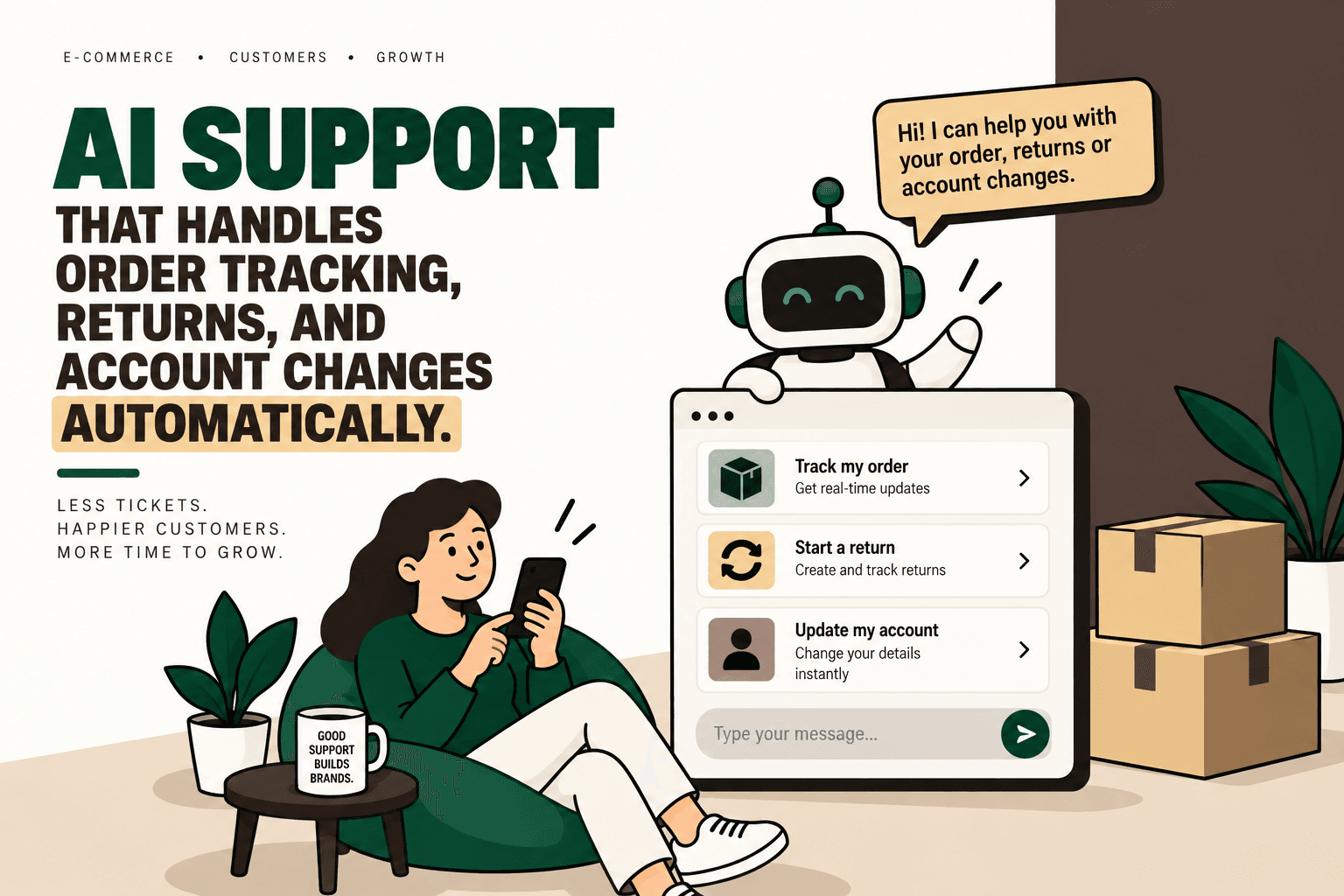
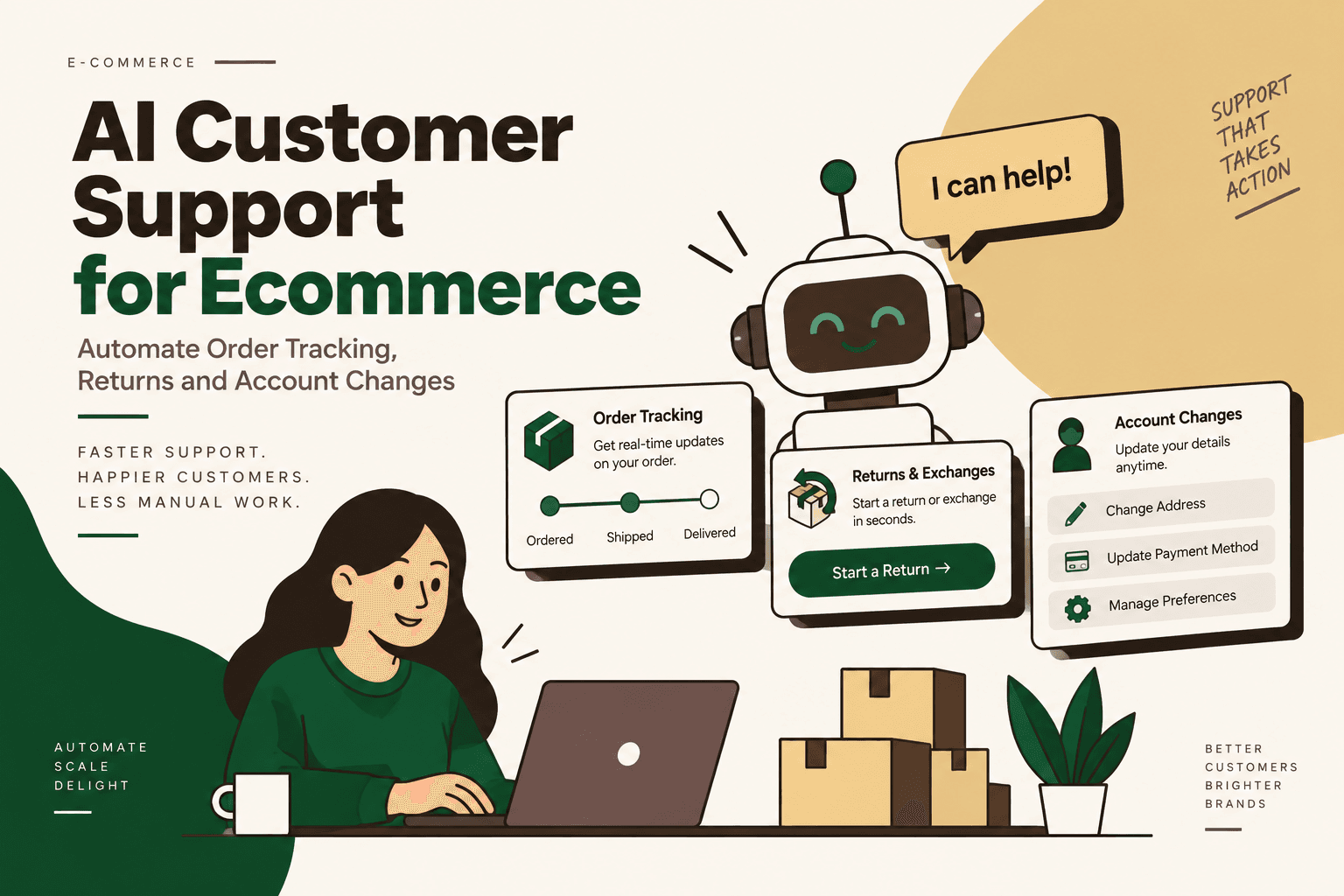
The current ecommerce AI support landscape is moving toward action-taking AI support agents: systems that can connect to live commerce and operational data and, within defined permissions, execute parts of the workflow rather than merely explain what the customer should do. The supplied search research identifies order tracking, returns and exchanges, order or account changes, refunds and human escalation as the main workflow categories. :contentReference[oaicite:0]{index=0}
What Is AI Customer Support for Ecommerce?
Answer: AI customer support for ecommerce is a support system that uses AI to understand a customer's request, retrieve relevant commerce data, apply business rules and, where authorized, complete an action in the connected systems.
The important distinction is between deflection and execution. A traditional chatbot may tell a customer that returns are accepted within a specific window. An action-capable AI support agent can potentially identify the order, check the applicable return rules, initiate the return and communicate the next step.
This changes the role of customer support from a purely conversational layer into an operational interface between the customer and the systems running the business.
What Can an AI Support Agent Automate?
1. Order Tracking
Order tracking is one of the clearest use cases because the customer question is usually tied to structured operational data.
An AI support workflow can identify the customer, retrieve the relevant order, check shipment information and explain the current status in natural language.
Example: A customer asks, “Where is my order?” The workflow can identify the order, retrieve the latest fulfillment and carrier information, determine whether the shipment is delayed or moving normally, and return the relevant status and estimated delivery information.
The value is not simply generating a better sentence. The AI is acting as the interface to live order and shipping information.
2. Returns and Exchanges
Returns are more complicated because the system has to determine whether an action is allowed before it performs it.
A useful AI returns workflow can:
- Identify the customer and order.
- Determine which item the customer wants to return.
- Check the applicable return window.
- Check product or order eligibility.
- Determine whether an exchange is permitted.
- Initiate the approved return workflow.
- Generate or request a return label where the connected system supports it.
- Update the relevant operational system.
- Communicate the next step to the customer.
This is fundamentally different from answering a return-policy question. The system has to combine conversation, customer context, order data and deterministic policy rules.
3. Order and Account Changes
Some customer requests are changes to existing information rather than questions about it. Depending on the business rules and integrations, AI support can assist with address changes, cancellations, permitted order modifications, subscription requests and account information.
These workflows require stronger safeguards because an incorrect change can have operational or financial consequences.
Example: A customer asks to change a delivery address. The agent should first identify the relevant order, determine its fulfillment status and check whether the business permits an address change at that stage. If the change is permitted, the system can apply it through the appropriate integration and confirm the result.
4. Refunds
Refund requests combine customer support with financial operations. An AI system may be able to explain refund status, determine whether a refund is eligible and, where explicitly authorized, initiate a refund workflow.
Refunds should generally have stricter permissions and approval rules than low-risk informational requests. The AI should not be given unrestricted authority merely because the workflow is technically possible.
5. Human Escalation
Automation does not mean every support conversation should remain with AI.
Low-confidence requests, policy exceptions, sensitive account issues, unusual fulfillment problems and high-value financial actions may need human review. A well-designed system should escalate with the conversation context, order information and actions already attempted so the human does not have to restart the investigation.
AI Support Agent vs Traditional Ecommerce Chatbot
The practical difference is whether the system can move from an answer to an approved action.
| Feature | Traditional Chatbot | AI Support Agent |
|---|---|---|
| FAQ answers | Yes | Yes |
| Live order lookup | Limited or integration-dependent | Can connect to live commerce data |
| Return eligibility | Usually explains policy | Can evaluate approved rules |
| Order changes | Often routes to a human | Can execute permitted actions |
| System updates | Usually limited | Can update connected systems when authorized |
| Human escalation | Transfers the conversation | Can transfer with workflow context |
The supplied research identifies this execution-versus-deflection distinction as one of the central themes in ecommerce AI support. :contentReference[oaicite:1]{index=1}
How an AI Ecommerce Support Workflow Actually Works
The most important implementation insight is that an AI support agent should not be treated as an LLM sitting on top of a chat widget. It needs access to the systems that contain the information and actions required to resolve the request.
A simplified architecture looks like this:
Customer → AI Support Agent → Customer and Order Data → Business Rules → Action Layer → Confirmation or Human Escalation
For a D2C brand, the underlying integrations may include the commerce platform, OMS or ERP, inventory system, warehouse, 3PL or carrier, returns platform and helpdesk. The supplied research specifically highlights these integration requirements. :contentReference[oaicite:2]{index=2}
Workflow Example: Order Tracking
- Customer asks for the current order status.
- AI identifies the customer and relevant order.
- The system retrieves order and fulfillment information.
- The shipping or carrier system provides the latest tracking state.
- The AI explains the result in customer-friendly language.
- If an exception exists, the workflow can route the issue to the appropriate support process.
Workflow Example: Return Request
- Customer requests a return.
- AI identifies the order and item.
- The workflow retrieves the applicable return policy.
- Eligibility rules are evaluated.
- If eligible, the approved return action is initiated.
- The return system generates the relevant next step or label where supported.
- The customer receives confirmation.
- Exceptions are escalated to a human.
Workflow Example: Account or Address Change
- Customer requests a change.
- The system verifies the customer and affected record.
- The workflow checks whether the requested change is permitted.
- The order or account status is checked for operational constraints.
- The permitted change is executed through the appropriate system.
- The customer receives confirmation.
- Requests outside the defined permissions are escalated.
Why Integrations Matter More Than the Chat Interface
The visible chat experience is only one part of the system. The difficult work happens behind it.
An AI support agent needs access to trustworthy information and controlled actions. If the order database is stale, the carrier status is unavailable or the return policy exists only as an unstructured document with ambiguous rules, the AI cannot reliably complete the workflow.
This means an ecommerce AI support project should begin with workflow and system mapping, not chatbot copywriting.
For example, a brand should identify where order data lives, where shipment status comes from, where return eligibility is defined, which system creates returns, where refunds are initiated, which actions are reversible and which actions require approval.
What Should AI Automate and What Should Stay Human?
The right objective is not maximum automation. It is controlled automation of high-volume workflows where the business can clearly define acceptable actions and failure conditions.
| Workflow | AI Role | Human Role |
|---|---|---|
| Order status | Retrieve and explain live status | Handle unusual delivery exceptions |
| Standard return | Check rules and initiate approved workflow | Review exceptions |
| Address change | Verify and execute permitted change | Review restricted or late-stage requests |
| Refund | Check eligibility and initiate approved action | Approve sensitive or unusual financial cases |
| Policy question | Explain policy using approved information | Handle disputes or ambiguous interpretations |
| Fraud or account-risk issue | Collect information and classify the request | Make the final decision where appropriate |
The boundary should be defined by business risk rather than by what the AI technically can do.
A Practical Framework for Prioritizing Ecommerce Support Automation
Not every support workflow deserves an AI agent. A practical prioritization model is:
Automation priority = volume × frequency × manual effort × error cost × revenue impact ÷ implementation complexity
This is a practical decision framework, not an industry-standard formula.
A high-volume order-status workflow may score well because it is repetitive, data-driven and relatively predictable. A rare dispute involving a complex high-value order may score poorly because implementation complexity and error cost are higher.
Use the framework to create a shortlist rather than to produce a mathematically precise business case.
How to Implement AI Customer Support for Ecommerce
1. Map the Current Workflow
Document what happens today when a customer asks about an order, return, refund or account change.
Record every system touched, every manual decision, every handoff and every exception.
2. Establish Baseline Metrics
Measure the current state before automating it. Useful metrics include ticket volume by intent, average handling time, first-response time, escalation rate, resolution time, repeat contacts, return-processing time and error rates.
Without a baseline, it is difficult to determine whether automation improved the operation.
3. Separate Rules from AI Decisions
Deterministic rules should remain deterministic. For example, a return window can be encoded as a business rule rather than asking an LLM to invent or infer it.
AI is more useful for interpreting natural-language requests, extracting intent, finding relevant context and coordinating a workflow across systems.
4. Connect the Required Data Sources
Identify the minimum integrations needed to resolve the chosen workflow. Depending on the use case, this may include the storefront, OMS, ERP, inventory system, shipping provider, returns platform and helpdesk.
5. Add Guardrails
Define exactly what the agent may read, what it may change, which actions require confirmation and which actions always require human approval.
Guardrails should also cover authentication, permissions, failed integrations, ambiguous requests, duplicate actions and unavailable data.
6. Start With the Smallest Viable Workflow
Instead of attempting to automate every support category at once, start with one measurable workflow such as order tracking or standard returns.
A smaller deployment makes it easier to observe failure modes and improve the integration before expanding the agent's authority.
7. Build Human Escalation Into the Workflow
Escalation should not be an afterthought. Define the conditions that trigger human review and transfer the relevant context automatically.
8. Measure the Pilot
Compare the automated workflow against the baseline. Measure resolution rate, escalation rate, handling time, customer satisfaction where available, error rate and the percentage of requests requiring manual intervention.
9. Expand by Workflow, Not by Hype
Once one workflow is reliable, add the next highest-value workflow. This creates an operational roadmap rather than an uncontrolled collection of AI features.
Common Failure Modes
Giving AI Too Much Authority
An AI system should not receive unrestricted access to refunds, account changes or order modifications simply because an integration makes those actions technically available.
Permissions should reflect business risk.
Using AI Where Rules Are Better
If a decision can be expressed as a clear deterministic rule, use the rule. AI should interpret and orchestrate rather than replace reliable business logic unnecessarily.
Ignoring Data Quality
An AI agent cannot reliably explain a shipment that the connected shipping system has not updated. Better language generation cannot compensate for missing operational data.
Automating Without Exception Handling
Real ecommerce operations contain split shipments, failed deliveries, address restrictions, cancelled orders, damaged products, partial refunds and policy exceptions. A workflow that handles only the happy path will eventually create more work for the support team.
Measuring Automation Instead of Outcomes
A high automation percentage is not automatically a business improvement. A system that closes many conversations incorrectly can increase repeat contacts and customer frustration.
What the Current AI Support Market Looks Like
The supplied search research identified several platforms positioning around ecommerce AI support, including Intercom, Yuma, REP AI, Wilmo, CommerceAgent and Teviq AI. Their capabilities differ in integrations, supported workflows, autonomous actions, channels and human-approval requirements. :contentReference[oaicite:3]{index=3}
The comparison is therefore less about choosing an abstractly “best” AI support tool and more about determining which system can safely execute the workflows a particular ecommerce business actually needs.
Where Five Anchor Fits
For D2C brands, AI customer support becomes an infrastructure problem when the desired outcome is not simply better answers but completed operational workflows.
Problem: Customer requests are distributed across the storefront, order systems, shipping providers, returns workflows and support tools, forcing agents to manually coordinate information and actions.
Solution: Five Anchor's AI-Powered Customer Operations approach can be used to connect support interactions with the underlying commerce workflows, including AI chat operations, returns and exchange automation, customer self-service, automated customer communication and ticket automation.
Implementation: The work can include workflow mapping, system integration, AI agents or automation, business-rule guardrails, human escalation and measurement.
Business outcome: The objective is to reduce unnecessary manual handling while preserving human control over exceptions and higher-risk decisions.
The broader Five Anchor positioning, AI Infrastructure for D2C & E-Commerce, is relevant because support automation depends on the commerce infrastructure underneath the conversation rather than the chat interface alone.
How to Think About ROI
ROI should be calculated from the workflow being changed, not from a generic claim that AI reduces support costs.
Useful inputs include the number of requests in the target category, current handling time, labor cost, escalation rate, error cost, implementation cost, ongoing maintenance and any measurable effect on customer experience or revenue leakage.
Illustrative scenario: If a brand receives 1,000 order-status requests per month and each currently requires four minutes of manual handling, that represents approximately 66.7 hours of handling time before considering escalations or follow-up work. If an automated workflow resolves some of those requests correctly, the potential capacity released can be estimated against the actual implementation and maintenance costs.
This calculation is illustrative, not a claim about typical ecommerce support performance.
Security, Privacy and Governance
AI support agents can access customer information and, depending on the workflow, may be able to change orders, addresses or financial records. That makes permissions and governance part of the product design.
At minimum, implementation should define authentication requirements, data access boundaries, action permissions, audit logging, escalation rules and retention requirements.
The agent should also distinguish between information it can confidently retrieve from a system and information it is merely inferring. When required data is unavailable, the correct behavior is to say that the system cannot verify the information and escalate rather than fabricate an answer.
The Future of Ecommerce Support Is Operational
The important change in AI ecommerce support is not simply that conversations can become more natural. The larger shift is that the support interface can become connected to operational workflows.
A customer should not necessarily need to understand which internal system contains an order, return or account record. The support layer can become the interface through which approved actions are requested and executed.
But that model only works when the underlying data is reliable, business rules are explicit, permissions are controlled and humans remain responsible for the exceptions that should not be automated.
For D2C brands evaluating AI customer support, the practical starting point is therefore not “Where can we add a chatbot?” It is “Which customer workflows are repetitive, measurable, sufficiently deterministic and safe to automate?”
From there, the implementation becomes much clearer: map the workflow, connect the systems, encode the rules, add AI where interpretation is useful, constrain the action layer, build escalation and measure the result.
Research basis: This article was developed from the supplied AI/search-query research for the topic. :contentReference[oaicite:4]{index=4}
Key Takeaways
- •The key distinction between a traditional chatbot and an AI support agent is execution: an agent can potentially complete approved ecommerce workflows rather than only explain them.
- •High-value use cases include order tracking, returns and exchanges, permitted order changes, refunds and account support.
- •Reliable automation requires integrations with commerce, order, ERP, inventory, shipping, returns and support systems.
- •Deterministic business rules should control predictable decisions, while AI is useful for intent interpretation, context retrieval and workflow orchestration.
- •Human escalation, permissions, authentication, auditability and exception handling should be designed into the system from the beginning.
- •Automation should be prioritized using measurable workflow characteristics such as volume, frequency, manual effort, error cost, revenue impact and implementation complexity.
Traditional Ecommerce Chatbot vs AI Support Agent
| Feature | Traditional Chatbot | AI Support Agent |
|---|---|---|
| Inventory Sync Frequency | 15–30 min batch polling (high oversell risk) | Sub-second atomic locking (<450ms) |
| Concurrent Drop Resilience | Fails under concurrency; causes negative stock balance | Redis atomic reservation queue guarantees exact counts |
| Error Handling & Retries | Silent failure; manual CSV audit needed | Dead-letter queues with automated exponential retry |
| Fulfillment Routing Speed | 2–4 hours delayed batch export to 3PL warehouse | Instantaneous automated webhook dispatch (<90 sec) |